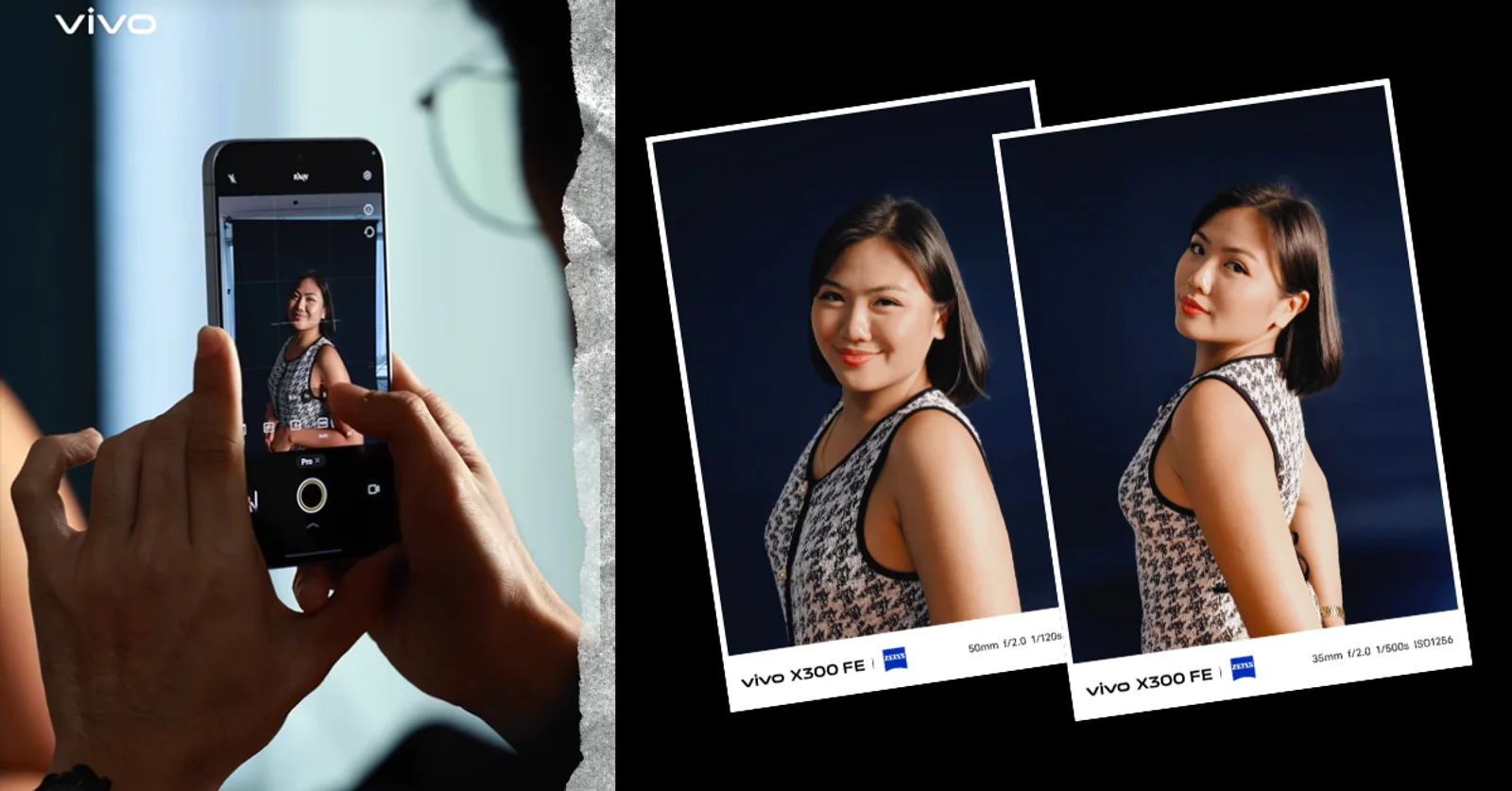
Smartphone photography does not always require complicated editing or additional equipment. On the vivo X300 FE, users can get more control over their photos by adjusting camera settings manually or experimenting with flash-based portrait photography.
Two features worth exploring are Pro Mode, which provides manual control over exposure and focus, and Portrait Flash, which is designed for more stylized portraits in different lighting conditions.
Use Pro Mode for more control over exposure
The vivo X300 FE’s Auto Mode handles most everyday shooting situations, but Pro Mode gives users more control over how the camera captures a scene.
To access it, open the Camera app, tap More, and select Pro. Users can then adjust settings such as ISO, shutter speed, white balance, focus, and exposure compensation.
These controls can be useful when the automatic camera settings do not produce the desired result or when users want to achieve a specific photography style.
Keep ISO low in bright conditions
In well-lit environments, an ISO setting between 50 and 200 can help produce cleaner images with less visible noise.

When shooting in darker environments, increasing ISO can make the image brighter. However, higher ISO can also introduce more noise, so users may need to balance brightness and image quality depending on the scene.
Slow down the shutter for low-light shots
A slower shutter speed allows more light to reach the camera sensor, which can help when photographing darker scenes.
The trade-off is that camera movement becomes more noticeable at slower shutter speeds. Keeping the vivo X300 FE steady, ideally against a stable surface or with a tripod, can help prevent motion blur.
Users can also experiment with white balance and manual focus to change the mood or emphasis of a photo. For beginners, adjusting one setting at a time makes it easier to understand how each control affects the final image.
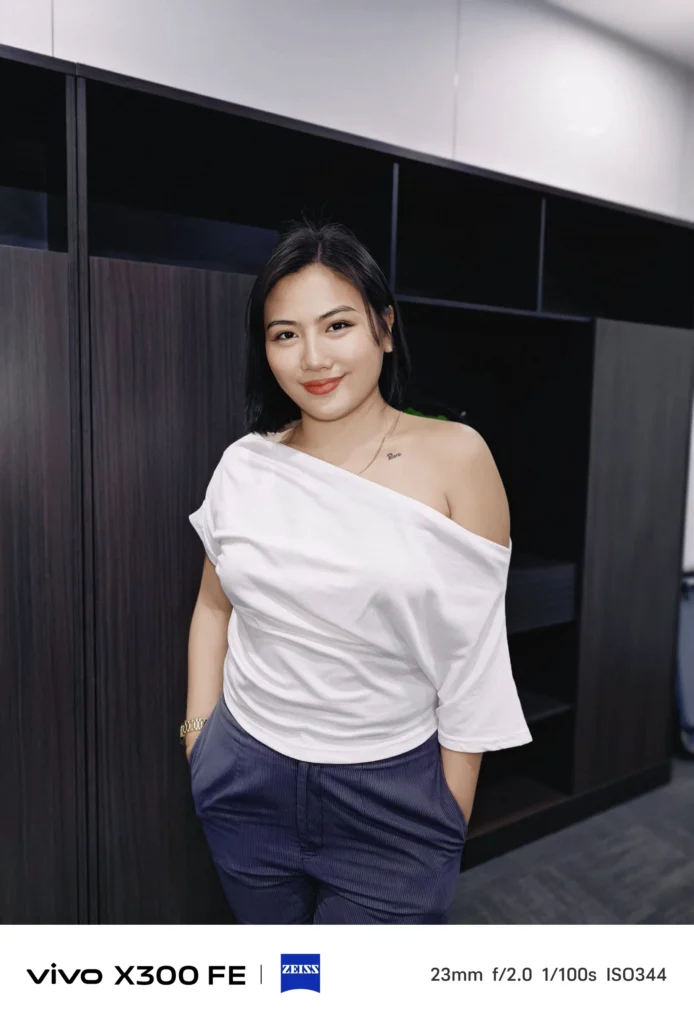
Try Portrait Flash for a more candid look
Flash photography has also found renewed popularity on social media, including the so-called “Dirty Flash” aesthetic that gives portraits a more direct, spontaneous appearance.
The vivo X300 FE’s Portrait Flash mode lets users experiment with this style while choosing between five portrait focal lengths ranging from 23mm to 100mm.
The phone automatically adjusts flash coverage and intensity based on the selected focal length. A wider 23mm option can work for environmental or candid portraits, while longer focal lengths can put more emphasis on the subject.
Rather than completely removing the surrounding environment, users can allow ambient light and background elements to remain part of the shot. This can give flash portraits a more natural, on-the-go appearance.
Experiment instead of relying on one setting
The easiest way to improve smartphone photography is to understand how different settings affect the image.
For the vivo X300 FE, users can start by experimenting with ISO and shutter speed in Pro Mode before moving on to white balance and manual focus. Portrait Flash, meanwhile, provides a simpler way to experiment with a more stylized photography trend.
The vivo X300 FE is available in the Philippines for ₱54,999 through vivo stores and the brand’s official online channels, including Shopee, Lazada, TikTok Shop, vivo’s official e-store, and the vivo official app. Purchases come with a free vivo Photography Bag and vivo Buds Pro, while supplies last.