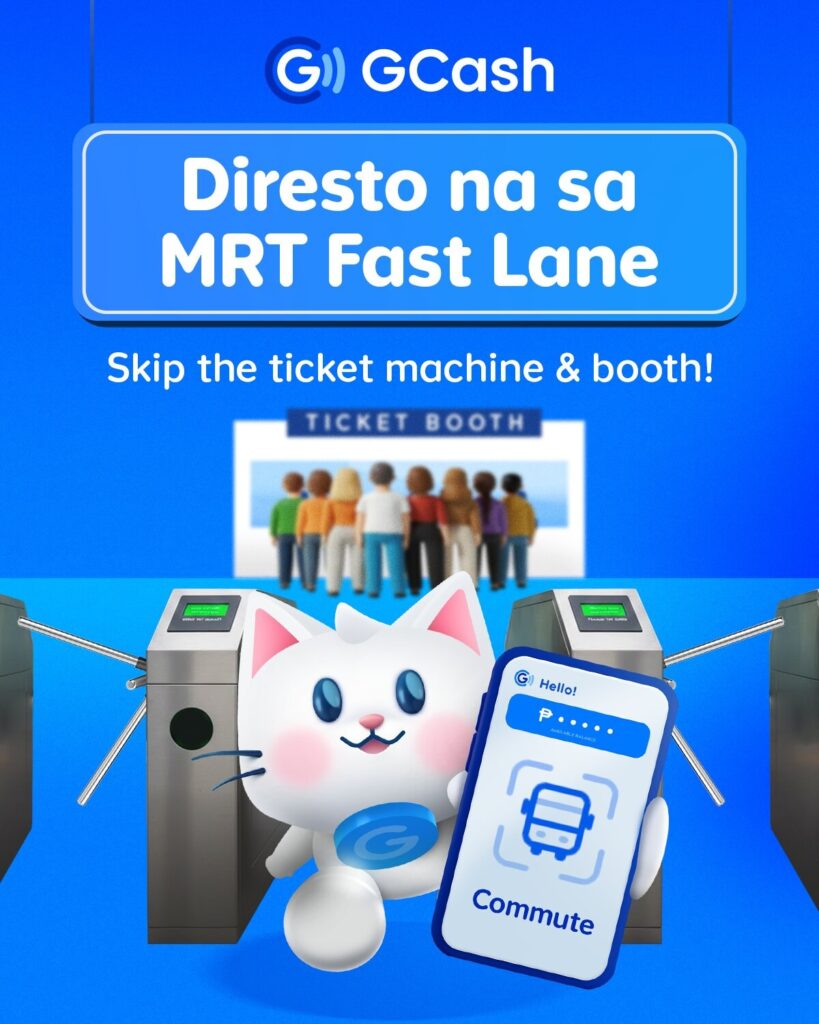
Commuters no longer need to worry about low balances or long top-up lines when riding the MRT-3. GCash now lets users pay seamlessly using their phones, QR codes, or GCash Visa Cards, providing multiple cashless options for a faster, smoother commute.
Tap-to-Pay: Your Phone Is Your Ticket
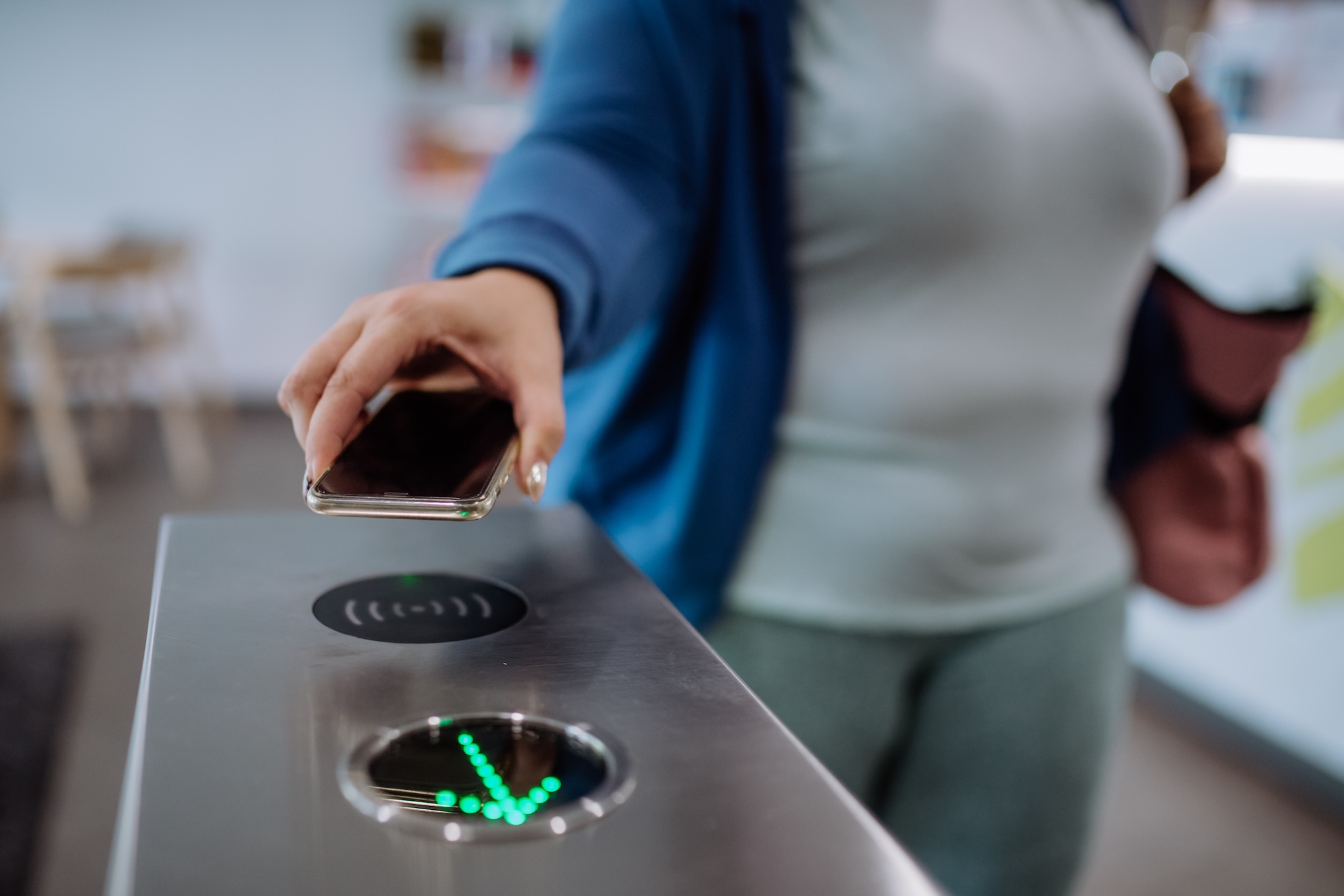
GCash’s Tap-to-Pay feature allows NFC-enabled Android users to enter and exit MRT-3 stations with just a phone tap. Activation is simple:
- Turn on NFC in your phone settings.
- Log in to the GCash app.
- Select Tap to Pay and accept the Terms & Conditions.
Once activated, tapping your phone at the turnstiles automatically deducts the exact fare, eliminating the need to queue for top-ups or tickets.
Commute QR: A Digital Ticket for Everyone
For users without NFC-enabled phones, GCash’s Commute QR offers a convenient alternative.
- Open the Commute tab in the GCash app and tap Generate QR.
- Scan the QR at entry and exit turnstiles.
- The exact fare is automatically deducted from your wallet.
This method removes the need to input station details while keeping your ride cashless and convenient.
GCash Visa Card: Tap and Go
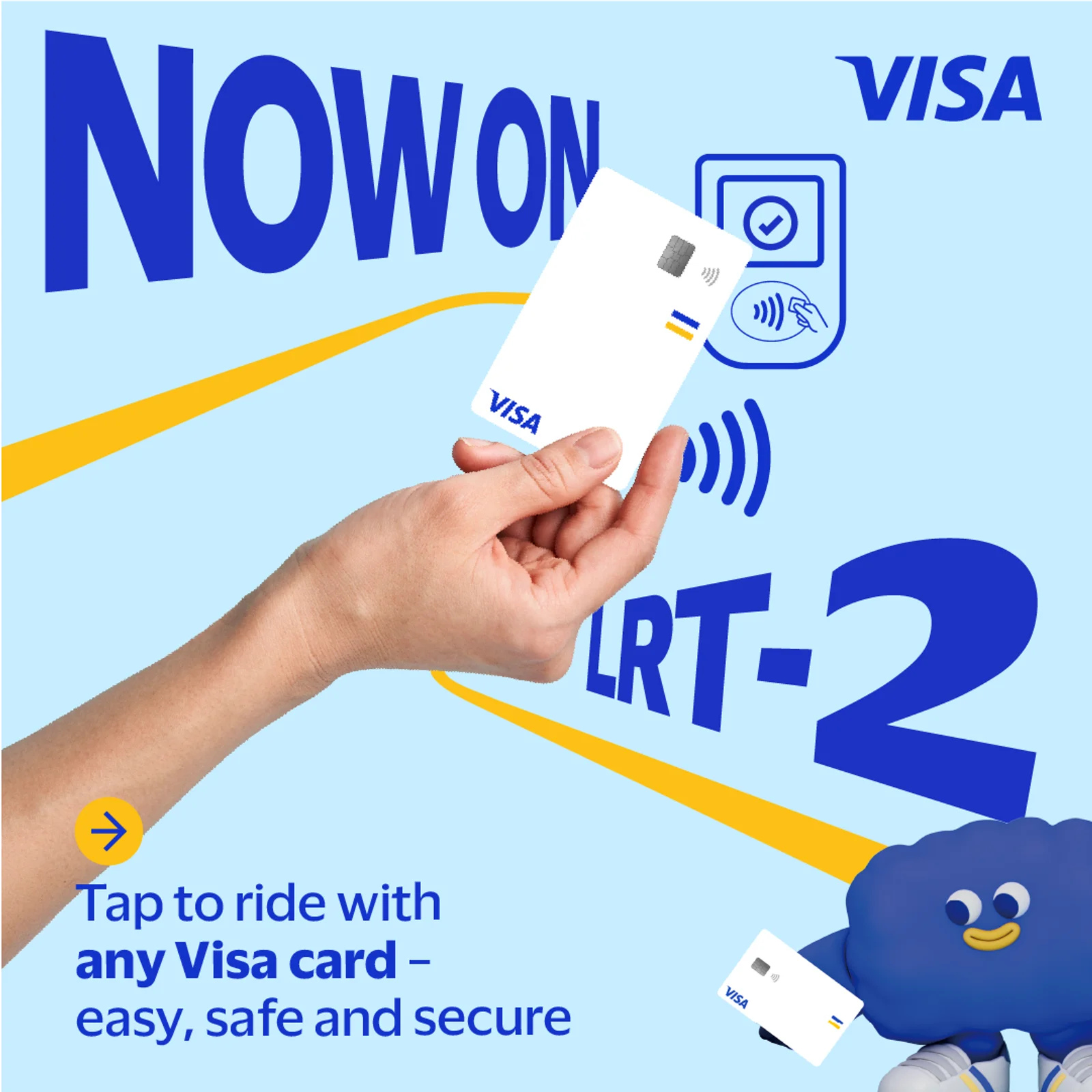
Prefer a card? The GCash Visa Card can be used just like the MRT’s physical ticket. Link it to your GCash wallet to pay for rides, shop online or in stores, and withdraw cash at ATMs.
To get started:
- Tap Cards in the GCash app.
- Choose Order a Card (P250 delivery fee, arrives in 7–10 days) or Link My Card.
- Enter your card details and OTP to link it to your wallet.
Convenience That Saves Time and Stress
In a fast-paced city, skipping top-up lines and ensuring a smooth MRT-3 ride can make a big difference. With multiple payment options via GCash, commuters can focus on their day instead of worrying about tickets, balances, or queues.
Visit the GCash app or official website for setup guides and tips.