
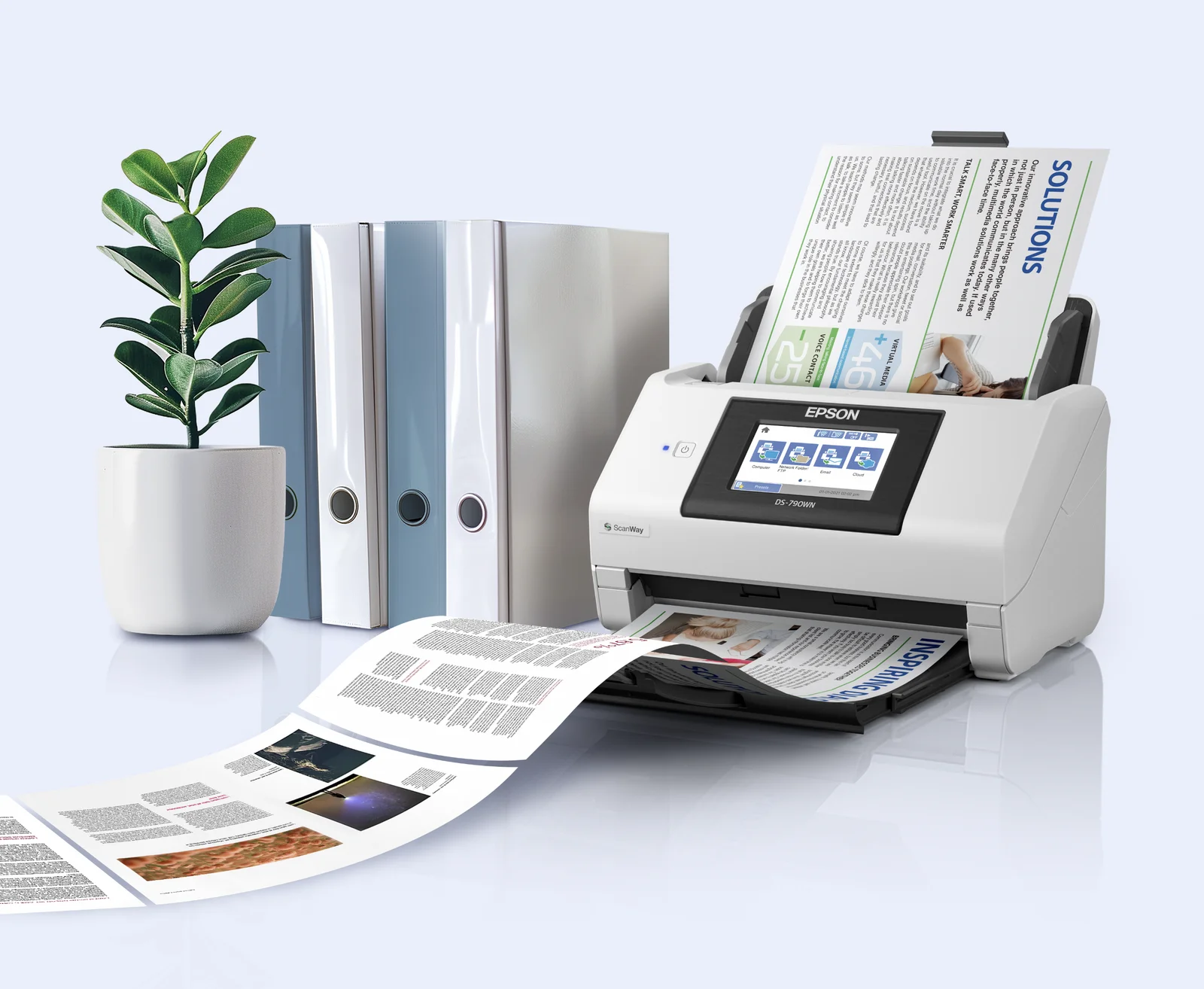
Physical documents remain part of everyday business operations, from invoices and contracts to receipts, forms, and reports. As companies move more processes into digital systems, Epson is looking to simplify how those documents are captured, organized, and stored.
Epson Document Capture Pro provides customizable scanning and workflow tools for compatible Epson DS series devices, giving organizations a way to digitize documents without purchasing separate workflow software.
Automate repetitive document scanning tasks
Document Capture Pro allows businesses to create up to 30 customizable scan jobs, depending on the compatible device.
Organizations can configure these jobs around documents they regularly process, applying predefined settings to reduce repetitive manual work and create more consistent scanning workflows.
The software can handle the process from initial document capture through organization and routing, allowing teams to establish repeatable processes based on how they manage information.
OCR turns scanned pages into usable data
One of Document Capture Pro’s key features is optical character recognition (OCR), which identifies text within scanned documents and converts it into searchable digital information.

This makes it easier for employees to locate information within captured documents instead of relying solely on physical copies or manually reviewing scanned pages.
OCR can also convert scanned content into editable Microsoft Word, Excel, and PowerPoint files. Supported output formats include JPEG, PDF, TIFF, PNG, DOCX, XLSX, and PPTX, depending on the device and operating system.
This can be particularly useful for organizations that frequently repurpose information from printed materials.
For example, educators and trainers can scan pages from textbooks or training manuals and convert them into editable PowerPoint presentations. Businesses can likewise turn printed reports and tables into Word or Excel files for further editing, collaboration, and analysis.
Separate and organize large document batches
Document Capture Pro can also automate how documents are organized after scanning.
For businesses processing large volumes of paperwork, the software can separate scanned files based on predefined conditions such as blank pages, barcodes, OCR results, form type, file size, and patch codes. This allows multiple documents to be scanned in batches while still being divided and organized according to the company’s existing workflow.
Once documents are captured and sorted, they can also be routed to compatible cloud storage platforms such as Google Drive and Microsoft OneDrive, helping teams move information from physical pages into the digital systems they already use.
Connecting physical documents to digital operations
For businesses undergoing digital transformation, eliminating paper entirely is not always practical. Contracts still require signatures, invoices still arrive in physical form, and some records continue to originate on paper.
Document Capture Pro instead focuses on making the transition between physical and digital documents more manageable.
“For many businesses, physical documents remain part of daily operations even as more work moves into digital systems. Epson develops document solutions that help make these processes easier to manage and help employees access the information they need,” said Noelle Gonzalez, Head of Marketing at Epson Philippines Corporation.
By combining scanning automation, OCR, document separation, file conversion, and cloud routing, Document Capture Pro gives organizations a way to build more structured workflows around the documents they handle every day.
As businesses continue shifting information into digital systems, tools that make physical documents easier to capture and access can help reduce manual processes while keeping important information within reach.