
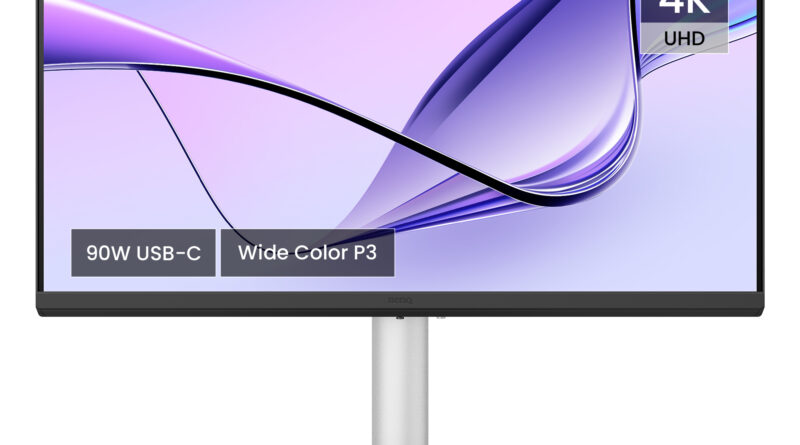
BenQ MA270U: The Missing Piece Of The Macbook Ecosystem
BenQ MA270U: The Missing Piece Of The Macbook Ecosystem
The Chrome-Bezel Aesthetic Gap
If you are a MacBook user, you are likely part of a specific tribe that values a certain aesthetic and functional flow. You spend thousands of dollars on a machine with a Retina display that boasts near-perfect color accuracy and a specific, sleek aluminum finish. You aren’t just buying a laptop; you are buying into a design philosophy that prioritizes minimalism, premium materials, and a seamless interface.
Then, you head to the monitor market and realize most displays look like they were designed for a beige office cubicle from 1998. The plastic feels cheap, the stands are wobbly, and the bezels are inconsistent. Worse still, the moment you plug your Mac into a generic monitor, the experience breaks. The colors are off—too saturated or too cool—the design is clunky, and your MacBook keyboard’s brightness keys suddenly become useless ornaments. BenQ clearly had enough of this friction. The MA270U is their answer to the Mac user’s prayers, offering a 27-inch 4K UHD canvas that actually understands the language of macOS, both in visual fidelity and daily utility.
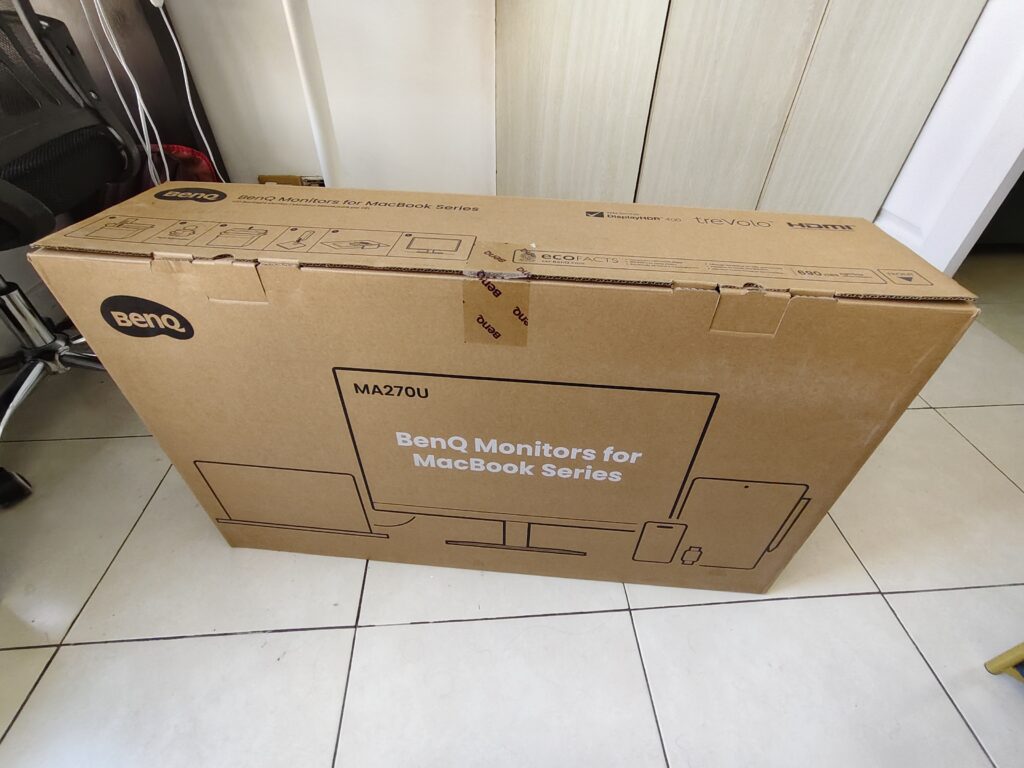
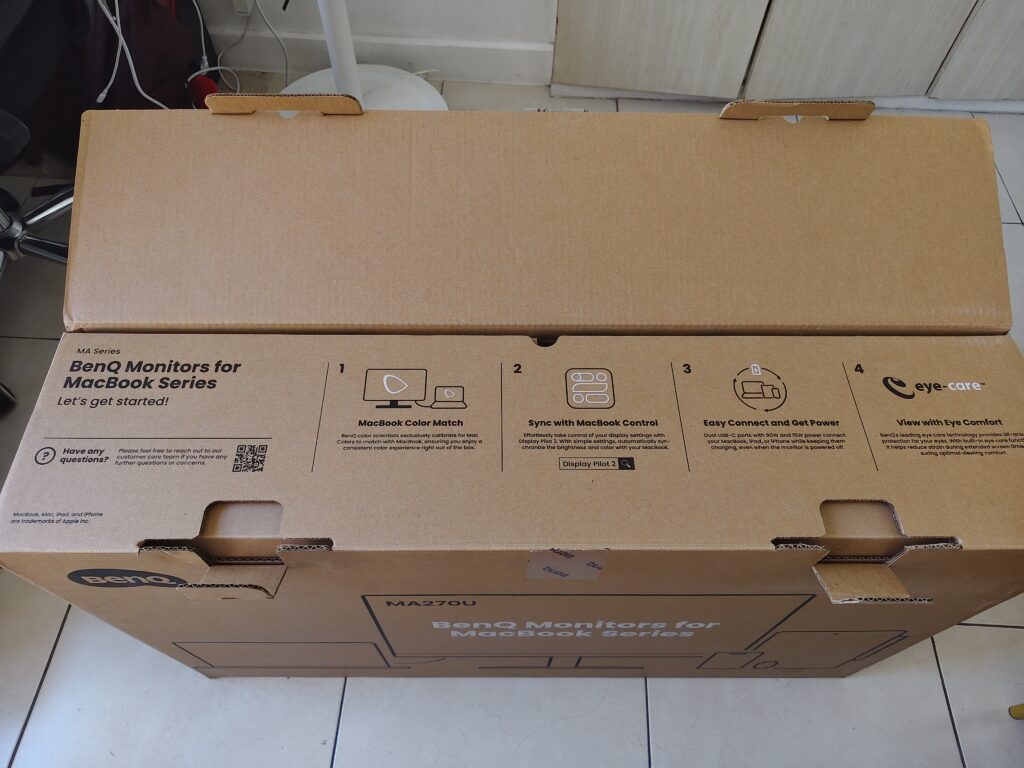

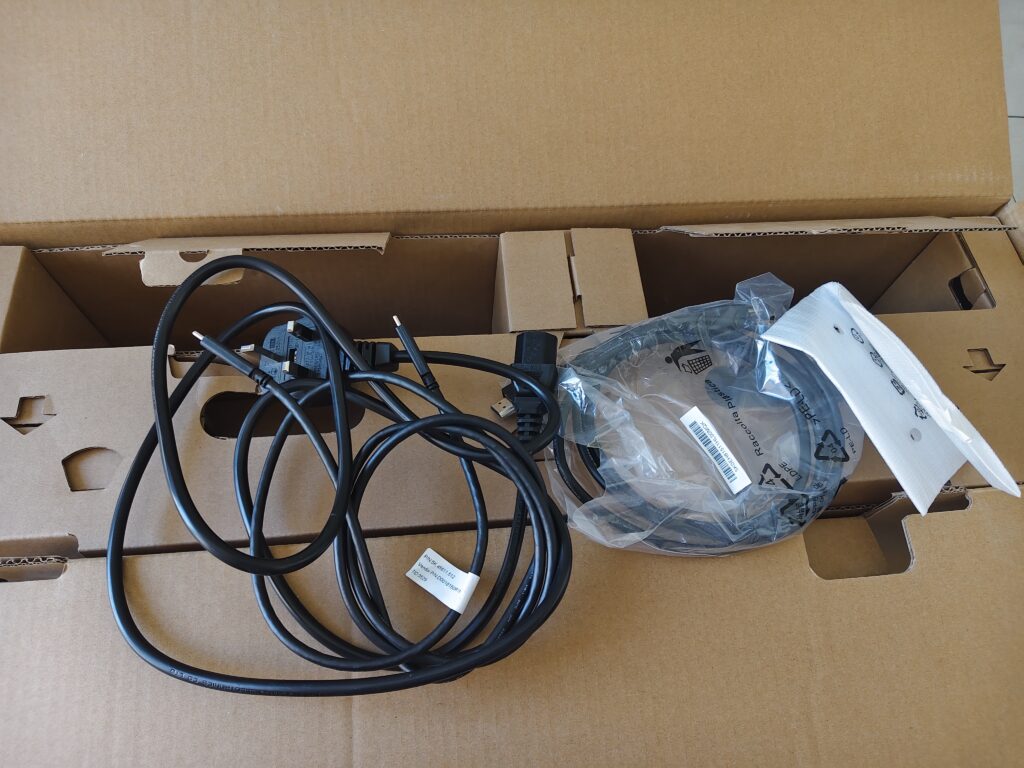
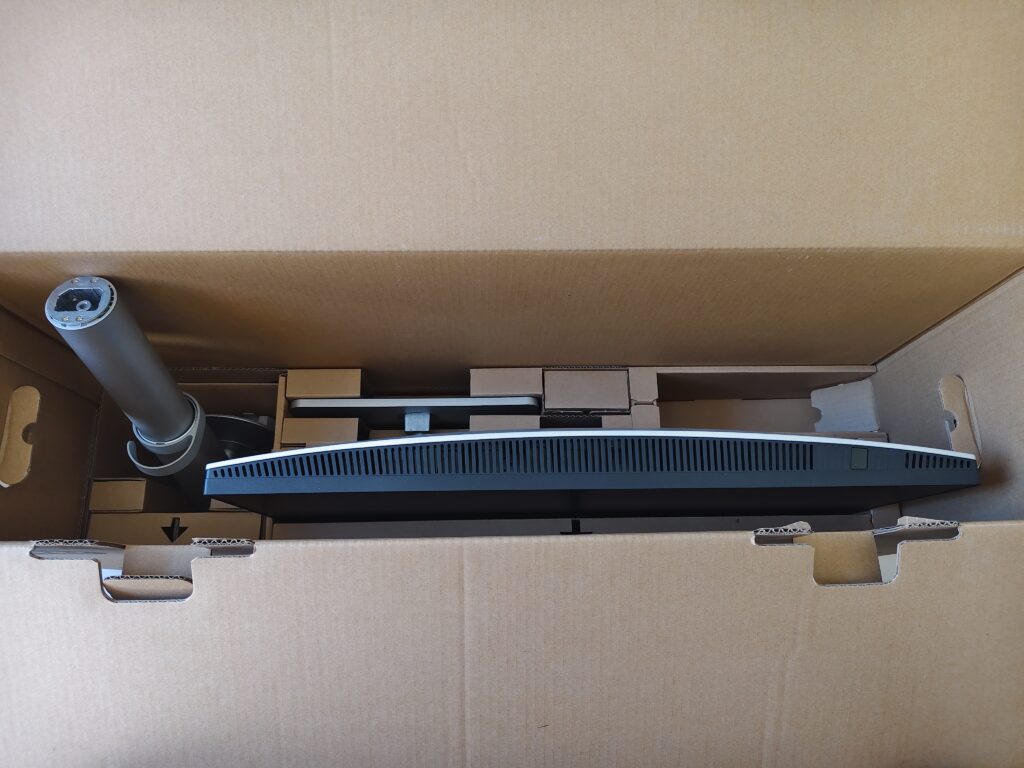
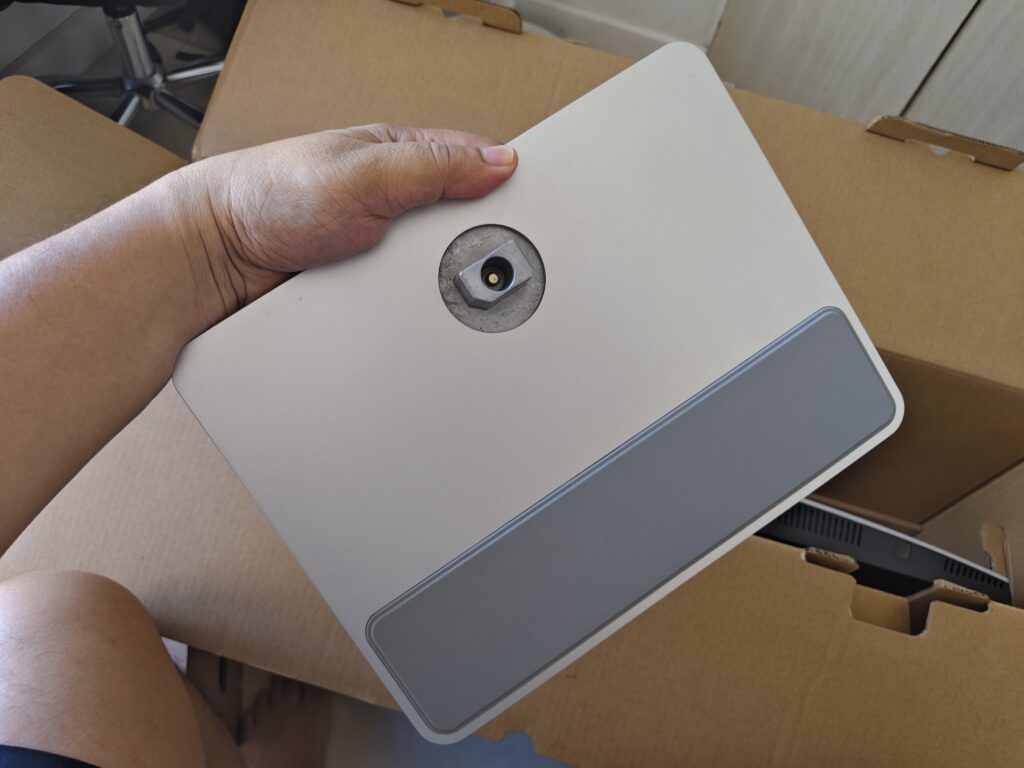
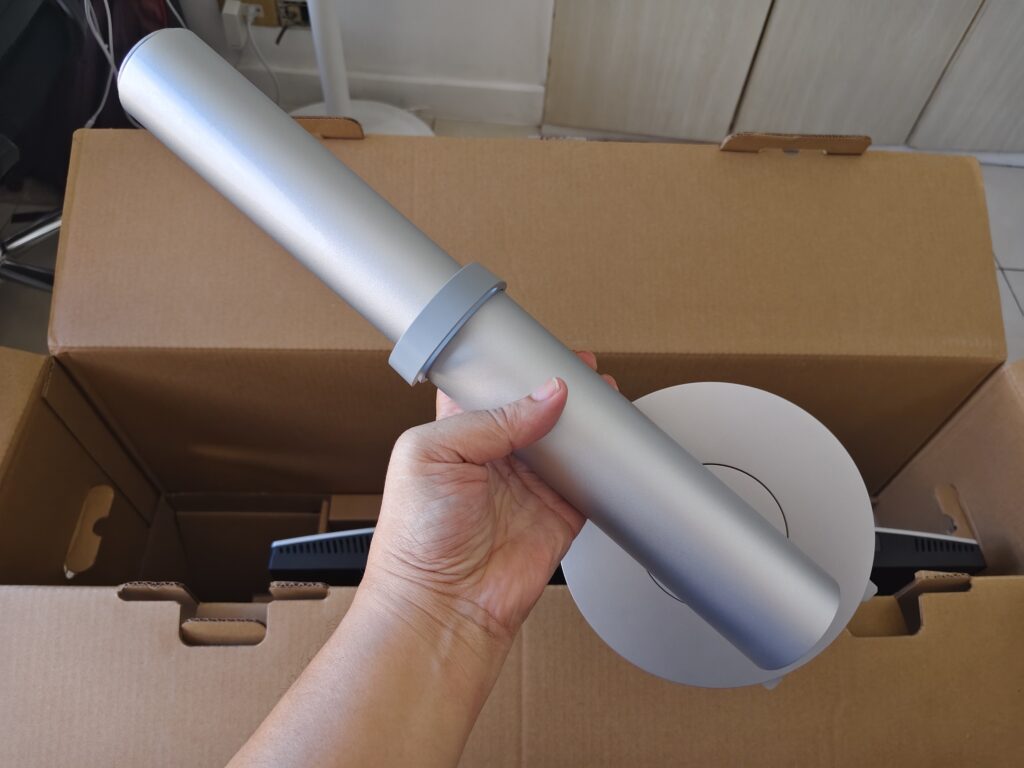
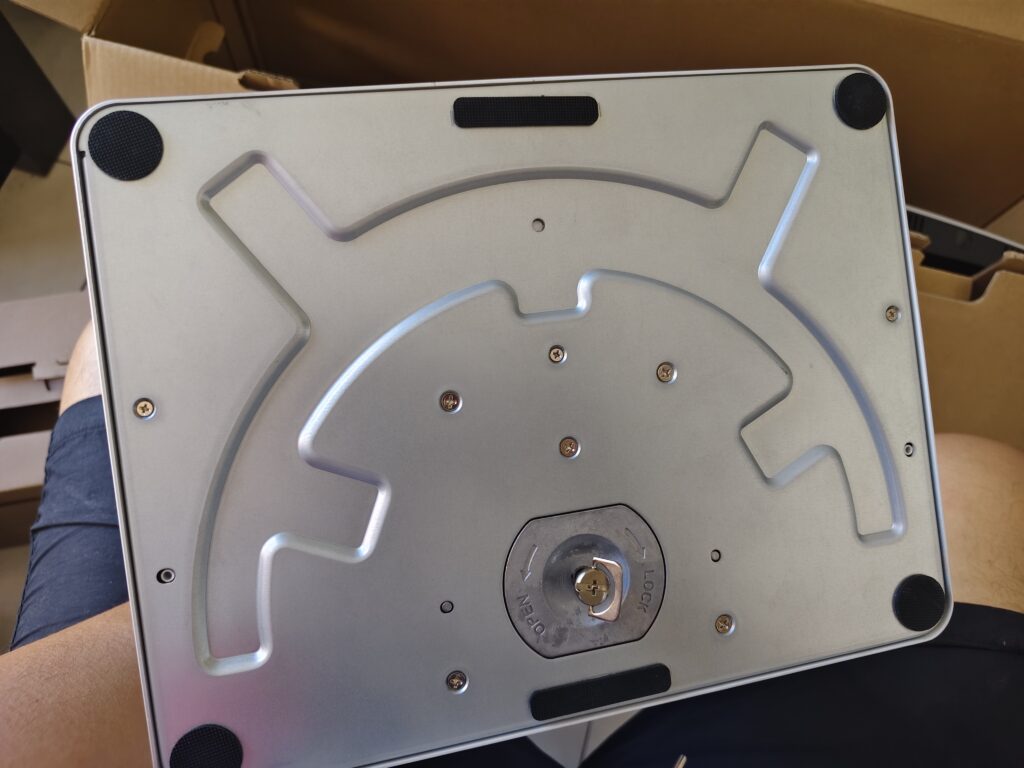
The Materiality of Design
Before we even turn the screen on, we have to talk about the physical presence of the BenQ MA270U. Most monitors treat the back of the device as an afterthought because they assume it will be pushed against a wall. But in modern home offices or open-plan studios, the back of your monitor is often what people see first. BenQ has opted for a minimalistic silver finish that matches the MacBook’s “Space Gray” or “Silver” aluminum chassis perfectly.
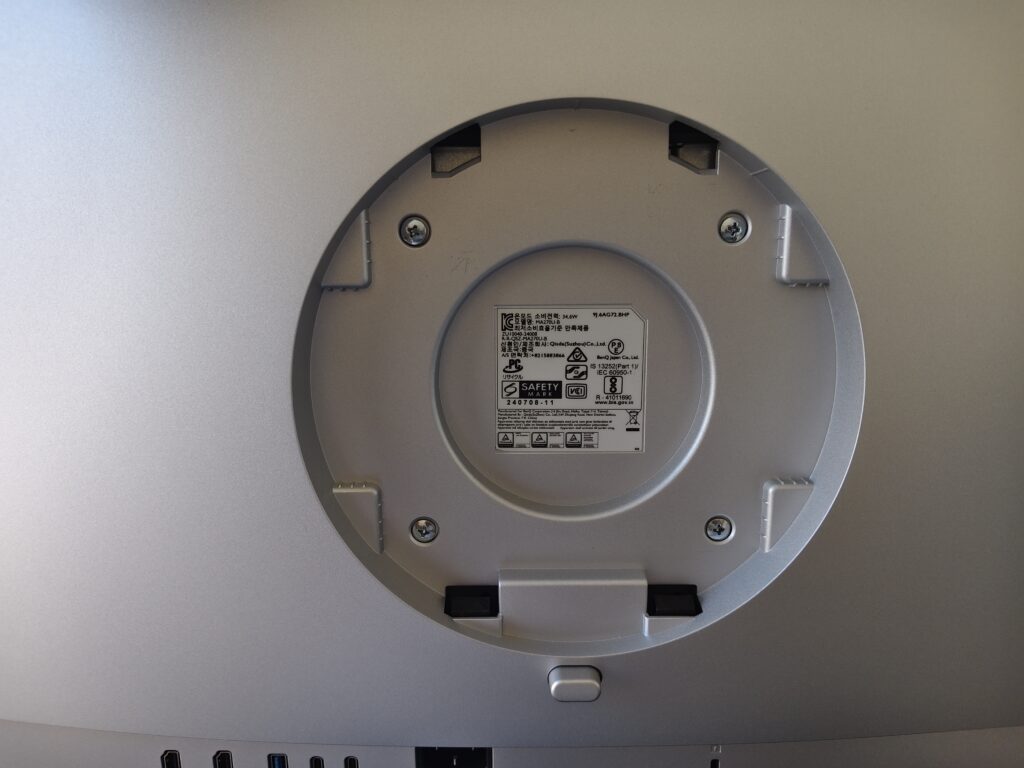
The build quality is substantial. Unlike the hollow-feeling plastic shells of many competitors, the MA270U feels dense and well-constructed. The stand is a highlight of industrial design here. It isn’t just a piece of metal meant to keep the screen upright; it is a highly adjustable ergonomic tool. It offers 115mm of height adjustment, along with generous tilt, swivel, and pivot options. This level of flexibility is crucial for Mac users who often use their laptops as a secondary screen. It allows you to align the bottom of the monitor perfectly with the top of your MacBook screen, creating a continuous vertical workspace that saves you from the literal “pain in the neck” caused by mismatched heights.
A particularly clever touch is the integrated rubber pad on the base. We are tech enthusiasts; we have accessories. BenQ knows we like to stack our Apple ecosystem items, so they provided a secure, scratch-proof spot for your iPad, iPhone, or AirPods right on the monitor stand. It’s a small detail that speaks to a deep understanding of how Apple fans actually live with their devices.
Mac Color Tuning Technology: Closing the Gap
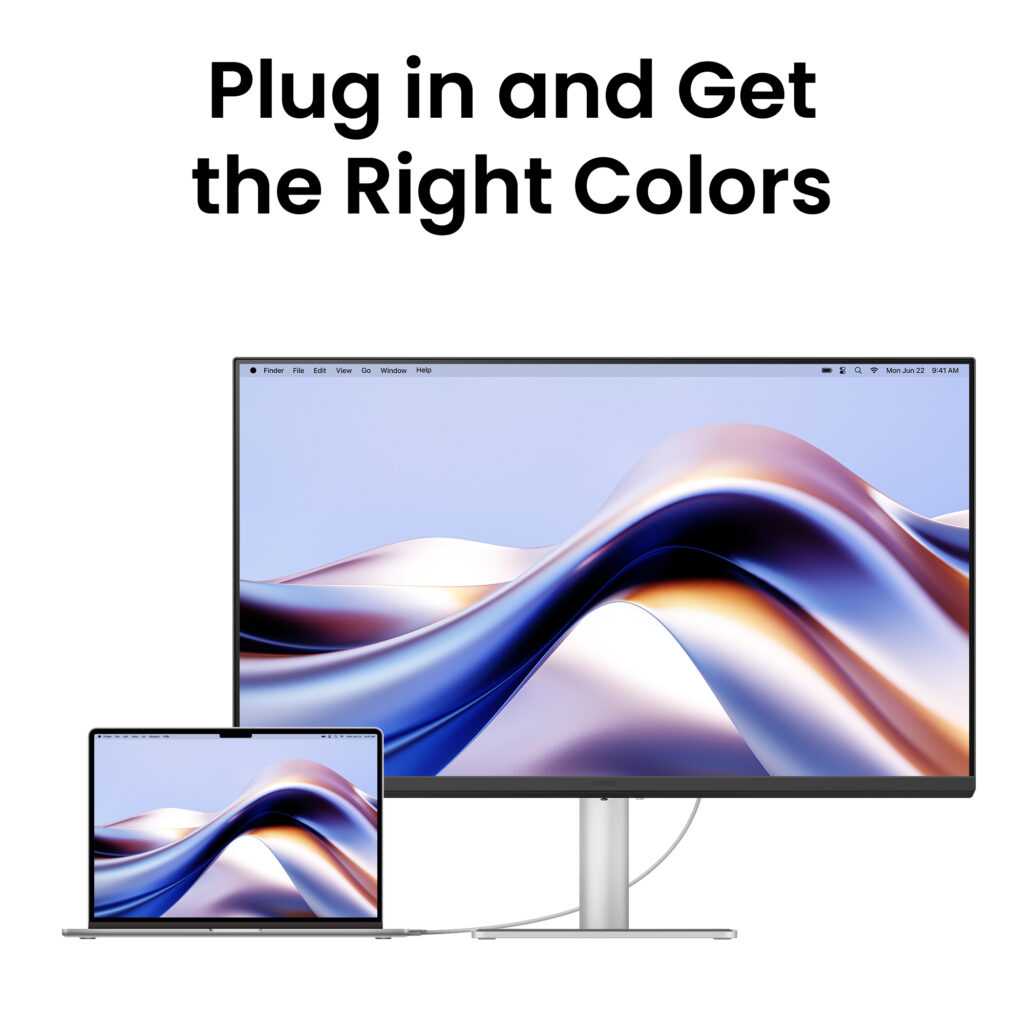
The biggest pain point of using a non-Apple monitor is the jarring difference in color profile between your laptop screen and the external display. You drag a window from the MacBook Pro’s Liquid Retina XDR display to your external monitor, and suddenly your vibrant red turns into a dull orange. This is a nightmare for photographers, video editors, and even casual users who just want visual consistency.
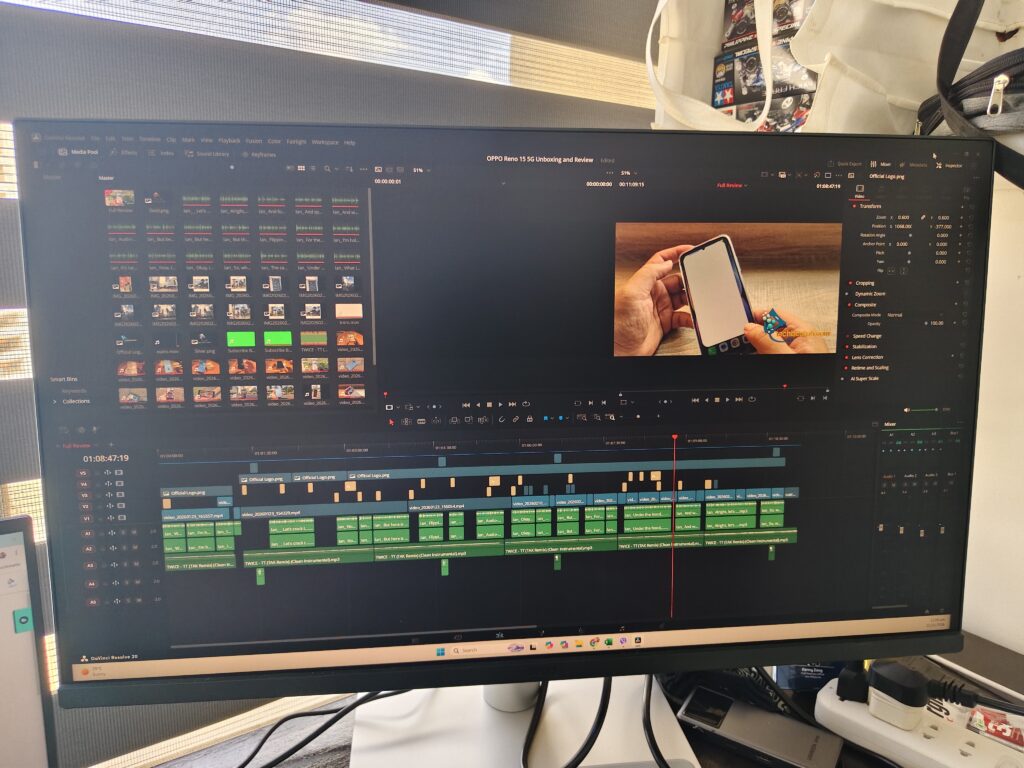
BenQ addresses this with their proprietary Mac Color Tuning technology. It is not just about slapping a “Mac Mode” preset into the On-Screen Display (OSD) menu and calling it a day. The engineers at BenQ have worked to align the P3 color gamut coverage—which is the standard Apple uses—and the specific gamma curve to match the MacBook Pro and Air screens. This isn’t just a marketing buzzword; it’s a rigorous calibration process that ensures the white balance, saturation, and contrast ratios are synchronized across both panels.
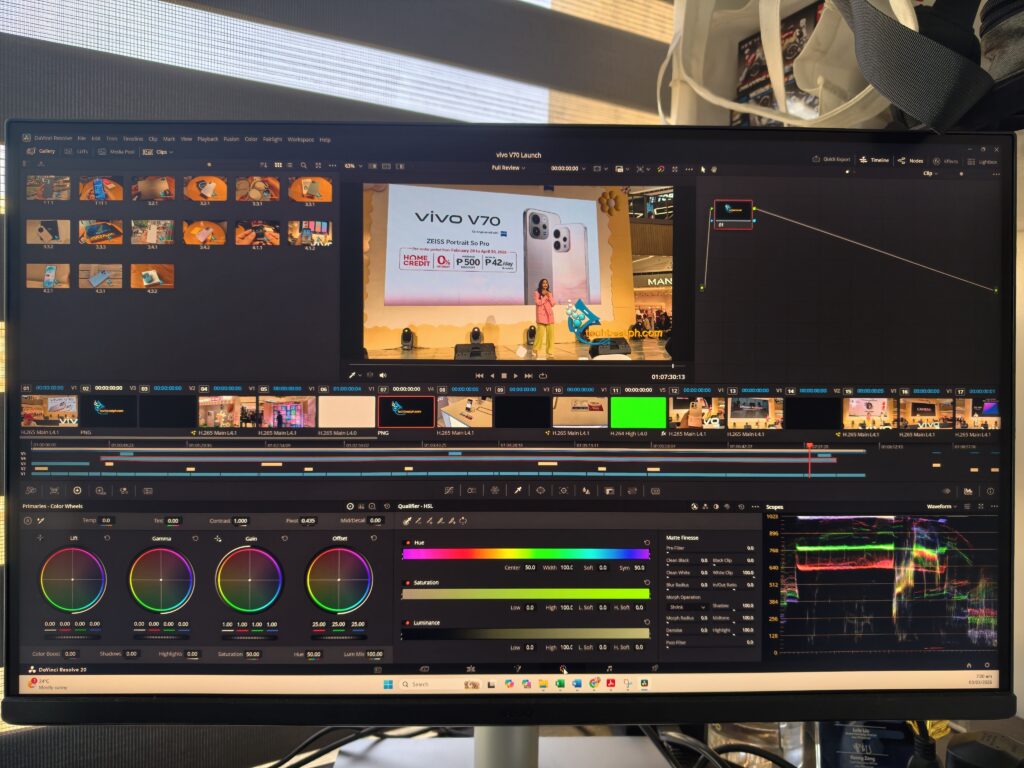
This provides a unified visual experience. It ensures that the “Apple Gray” of your macOS dock doesn’t look like “Washed-out Slate” on your monitor. By meticulously calibrating the panel to match the factory settings of the MacBook, BenQ eliminates the constant second-guessing of which screen is telling the truth during a color grade or a photo edit. You get 4K resolution with the color soul of a Mac.
The Display Pilot 2 Revolution
In the world of monitors, hardware is only half the battle. Software is usually where the experience falls apart, forcing users to fumble with tiny, annoying buttons behind the monitor panel just to change the brightness. BenQ has solved this with Display Pilot 2. Once installed, this software turns the MA270U into a functional extension of the Mac hardware.
The most impressive feature is iKeyboard Control. It allows you to adjust the monitor’s brightness and volume using the native keys on your MacBook or Magic Keyboard. It sounds like a small convenience, but it is a psychological game-changer. Once you stop reaching behind a plastic panel like a caveman just to dim your screen at night, you can never go back to a standard monitor.
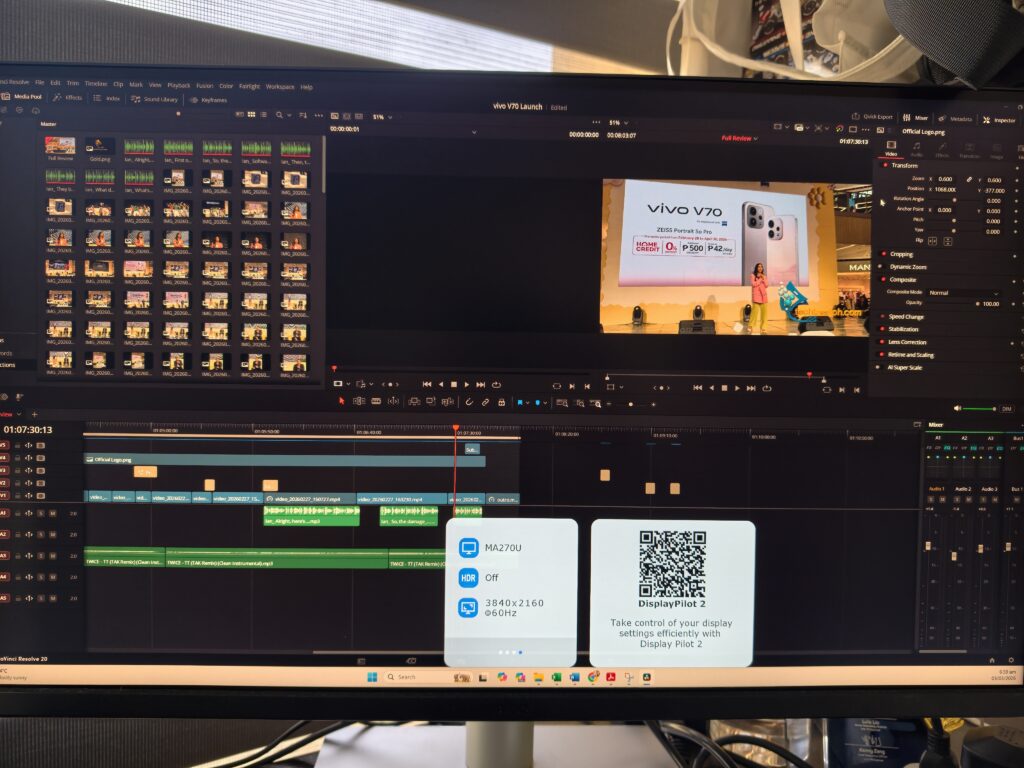
The Brightness Sync feature further bridges the gap. By utilizing the MacBook’s ambient light sensor, the MA270U can automatically dim or brighten in unison with your laptop. If the sun sets and your MacBook screen dims to save your eyes, the BenQ follows suit instantly.
Then there is FocuSync. This is a deep-level integration that syncs your macOS Focus Modes—like “Work,” “Personal,” or “Do Not Disturb”—with the monitor’s display settings. You can set the monitor to switch to a blue-light-filtering “Care” mode automatically when you activate your “Night Shift” focus. It is a level of integration that previously required an Apple Studio Display at nearly triple the price point.
Technical Fidelity and Eye Care
Beyond the color matching, the MA270U is a technical powerhouse. The 27-inch 4K UHD (3840 x 2160) panel offers a pixel density that makes text look crisp and “Retina-like.” Whether you are coding for hours or reading long PDF documents, the clarity is exceptional. But high resolution can lead to eye strain, which is where BenQ’s Eye-Care technology comes in.
The monitor is TUV Rheinland certified for flicker-free performance and low blue light emissions. However, unlike some monitors that simply turn the screen yellow, BenQ’s hardware-level blue light filter maintains color integrity while protecting your vision. This is particularly important for the creative professional who spends 10 to 12 hours a day staring at a screen. The “Nano Matte” coating is another technical win; it effectively diffuses reflections from overhead lights or windows without the “grainy” texture often associated with older matte panels. This ensures that the blacks stay deep and the colors stay punchy even in bright office environments.
Connectivity and the Single-Cable Dream
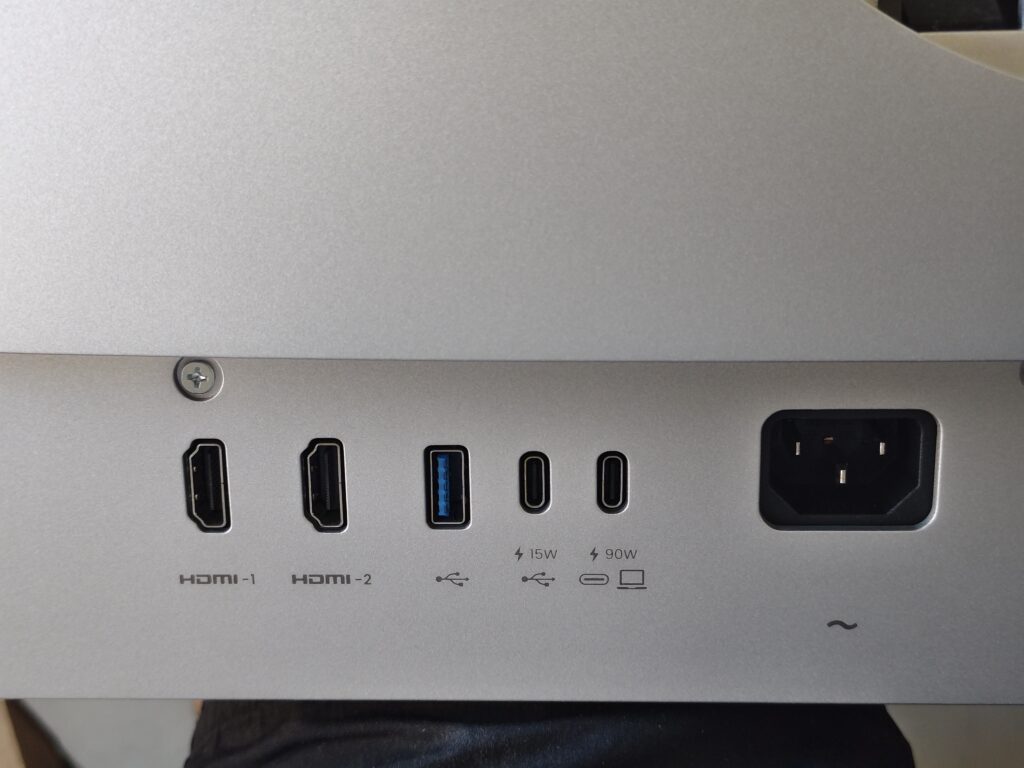
Modern MacBooks have limited ports, and Apple has pushed us toward a USB-C/Thunderbolt future. The MA270U leans into this perfectly. It features a robust USB-C port that handles everything: 4K video signal, high-speed data transfer, and 90W of Power Delivery.

This means you can sit down at your desk with your MacBook, plug in one single cable, and you are done. Your laptop starts charging at high speeds, your peripherals plugged into the monitor’s USB hub (like your external SSDs, mechanical keyboards, or webcams) wake up, and your 27-inch 4K workspace is ready. BenQ also included an “Always-On Power” feature, which allows the monitor to charge your devices even when the monitor itself is in standby mode. No more waking up to a dead laptop because you forgot to keep the monitor “on.”
For those with multiple devices, the monitor also includes two HDMI 2.0 ports and a DisplayPort 1.4, allowing you to connect a PC or a console alongside your Mac. But make no mistake—this monitor lives and breathes for the USB-C connection.
Christian’s Take: The Practical Productivity Extension
I have tested dozens of monitors that claim to be “Mac-friendly,” but most of them just mean they have a USB-C port and a silver-painted plastic frame. My opinion is that the BenQ MA270U is the first display in this price bracket that actually respects the Mac workflow at a software level.
As the Editor-in-Chief here, I am tired of monitors that treat software as an afterthought. We live in a world where user experience is king. The fact that I can sit down, plug in one cable, and have my keyboard controls, brightness sensors, and color profiles sync up automatically is a massive win for productivity. It removes the “tech tax” of friction that usually comes with third-party peripherals.
Let’s be real: not everyone can justify the high five/six-digit price tag of a 5K Studio Display or a Pro Display XDR. But for 95 percent of users—the students writing theses, the office warriors managing spreadsheets, and the independent creators editing Reels—this is the more sensible, smarter purchase. It is a reliable tool that looks as good as the machine it is plugged into.
In a market saturated with “gaming” monitors that are too loud and “office” monitors that are too boring, the MA270U finds the perfect middle ground. It understands that a monitor should be a window into your work, not a distraction from it. It earns its Silver Rating because it finally brings “Apple-level” convenience to a price point that doesn’t require a bank loan. It isn’t just a monitor; it is the desktop experience your MacBook deserves. If you value your time and your eyesight, this is a hardware investment that pays dividends every single morning you sit down to work.
If you want to bet the monitor you can click here.
