Flip Cards Bring Motion And Memory To Your Lock Screen
Flip Cards: Lock Screen Reinvented
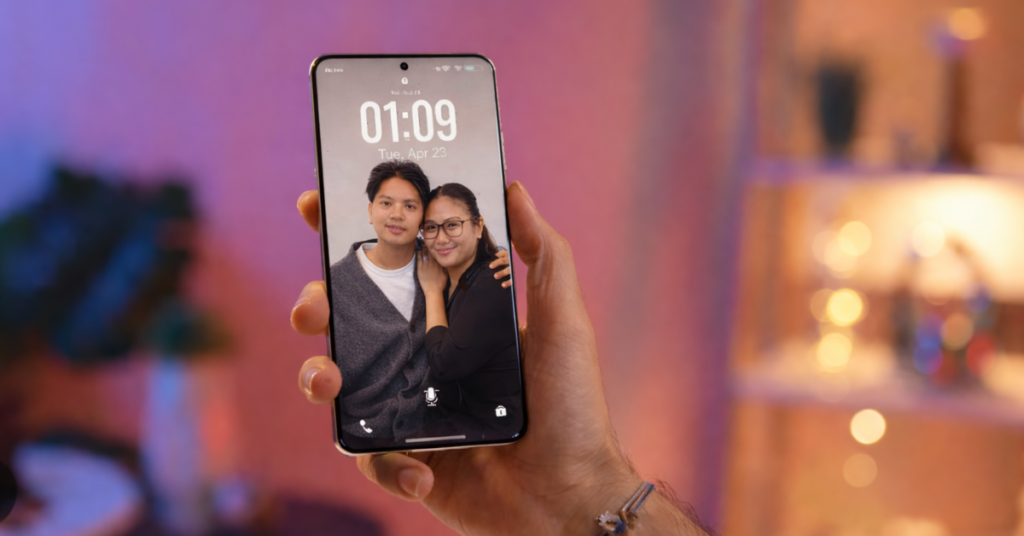
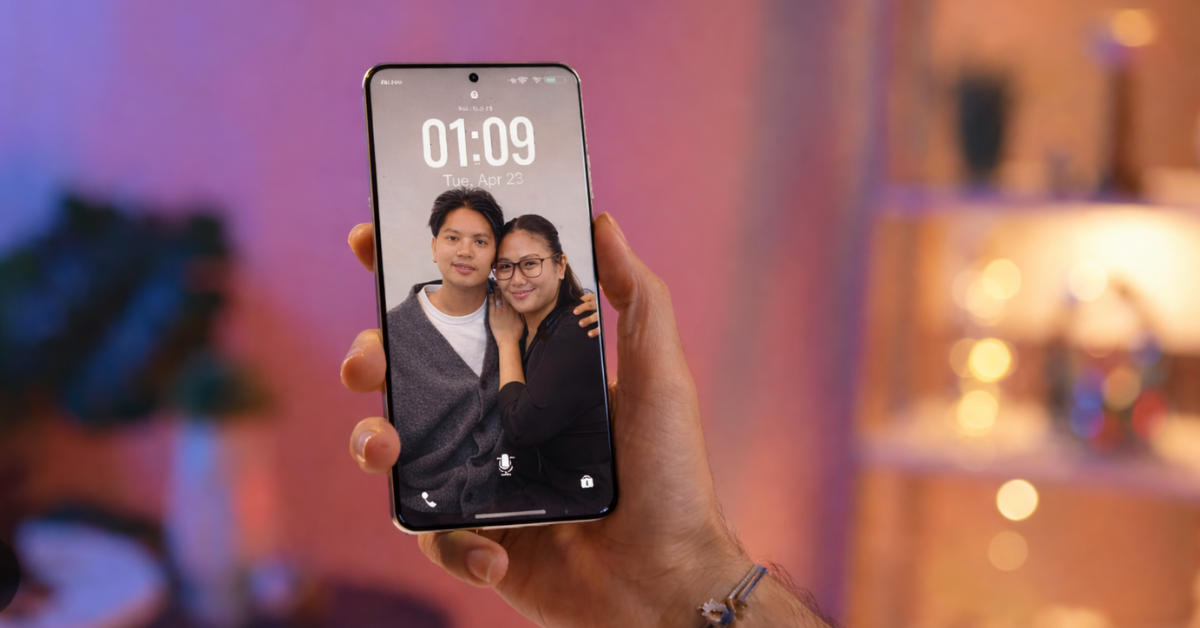
The lock screen is the single most viewed surface on any smartphone. You glance at it dozens of times a day. Yet for many people it remains static — a wallpaper and a clock. vivo’s Flip Cards on the X300 Series changes that. It turns the lock screen into a dynamic, layered canvas that reacts to tilt and touch, animating memories every time you pick up your phone. Flip Cards Bring Motion And Memory To Your Lock Screen
This is not a gimmick. It’s a design feature that rethinks the most intimate interface on your device. Flip Cards are part of OriginOS 6 and they treat the lock screen as a living surface rather than a passive gateway.
How Flip Cards Work
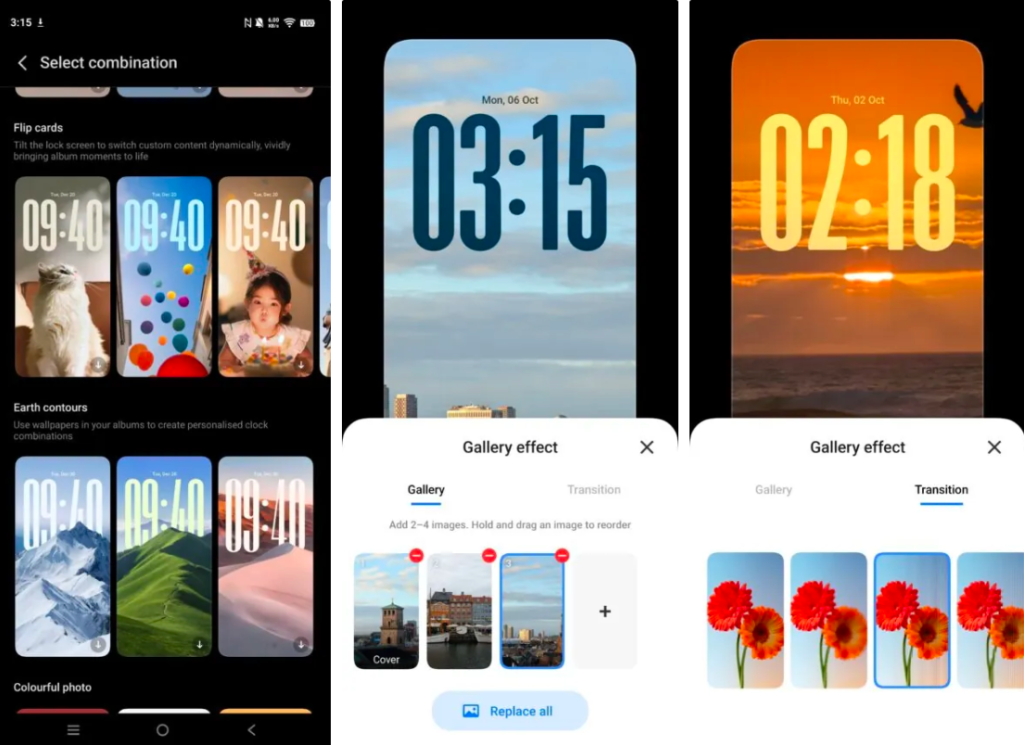
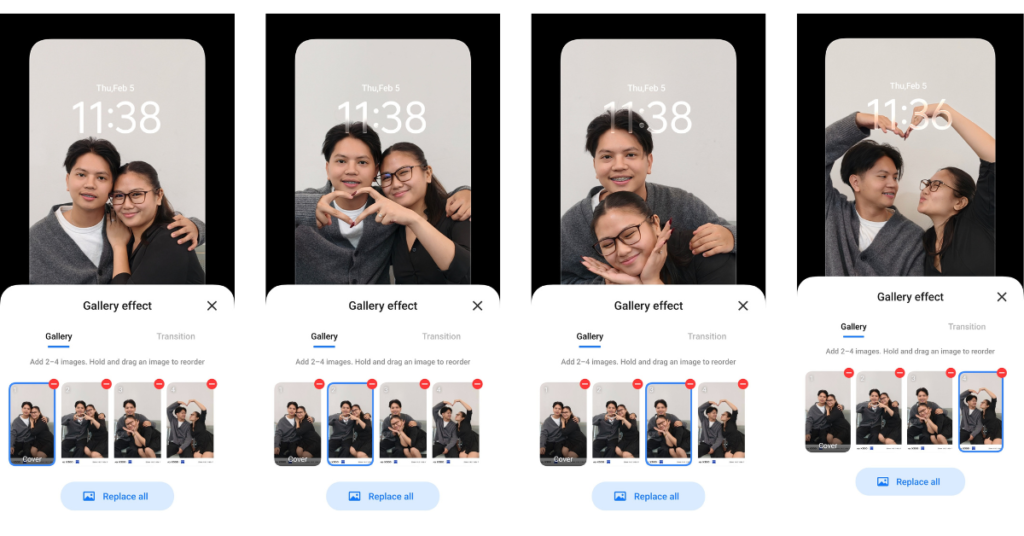
Flip Cards borrow from lenticular printing — the same trick that makes images appear to shift when you change your viewing angle. vivo maps different images to different tilt angles. Tilt one way and you see image A. Tilt another way and image B appears. Add more angles and you get a sequence of up to four images or clips.
Technically, this requires tight integration between the display’s orientation sensors, the UI compositor, and the animation engine. OriginOS 6 samples device orientation and swaps image layers in real time, while transition effects smooth the change. The system supports static photos, live photos, and short video clips, so the visual vocabulary is broad. Flip Cards Bring Motion And Memory To Your Lock Screen

The result is a lock screen that feels tactile. It responds to movement. It layers content. It gives you a sense that the phone remembers what you care about.
Activation and Customization
Flip Cards are simple to enable. The steps are straightforward:
- Go to Settings → Homescreen, lock screen and wallpaper
- Tap Themes → Flip Card
- Choose up to four images and a transition effect
Customization goes beyond image selection. You can tweak clock styles, widget placement, and transition timing. That means the lock screen can be minimal and elegant, or richly animated and playful — depending on your taste.
For users who like to tinker, OriginOS 6 exposes enough controls to make each Flip Card sequence feel curated rather than random. For users who want a quick setup, the defaults are polished and ready.
Use Cases: Romantic, Practical, and Playful
Flip Cards are being pitched as a romantic feature — and it works. Imagine your first date photos cycling gently every time you check the time. Small, repeated moments of joy. That’s the Valentine’s Day angle, and it’s effective. Flip Cards Bring Motion And Memory To Your Lock Screen
But the feature scales beyond romance. Consider these practical uses:
- Family montage: Rotate photos of kids or pets for quick emotional boosts.
- Productivity cues: Cycle through task reminders or motivational quotes.
- Contextual info: Show a weather snapshot, a calendar preview, and a transit card in sequence.
- Creative expression: Use short video clips to create a micro-story on your lock screen.
Flip Cards also encourage mindful phone use. When the lock screen is meaningful, you’re less likely to mindlessly scroll. That’s a small behavioral nudge with outsized benefits.
Technical Design and Performance
From an engineering perspective, Flip Cards are a neat exercise in resource management. Real-time layer swapping and video playback on the lock screen must be efficient. OriginOS 6 handles this by balancing edge processing and power management: animations are GPU-accelerated, sensor polling is event-driven, and background decoding is throttled to avoid battery drain.
There are trade-offs. Heavy use of video clips will consume more power and storage. But vivo mitigates this with adaptive quality settings and by encouraging short clips rather than long videos. The X300 Series hardware — OLED displays, responsive gyros, and capable GPUs — makes the experience smooth. On older hardware, similar effects would be possible but less fluid.
Security and privacy are also considered. Flip Cards operate locally; images and clips remain on-device unless you explicitly sync them to cloud services. That keeps your memories private by default.
My Take: Personalization That Actually Matters
I’ve seen lock screen features that are clever but forgettable. Flip Cards are different. In first person: I like that vivo treated the lock screen as a design problem worth solving, not just a marketing canvas. This feature is practical, emotional, and technically thoughtful.
For readers, the benefit is clear. Flip Cards make your phone feel more personal without adding complexity. You get a richer visual experience every time you check the time. You also get a feature that nudges better habits — less aimless unlocking, more meaningful glances. And yes, it’s a fun way to show off your photos without opening an app.
A bit of humor: it’s the only feature I’ve seen that makes checking the time feel like a tiny, tasteful surprise. Your lock screen just became a better storyteller.
Who Should Care
- Photographers and memory hoarders: Showcase favorite shots without extra taps.
- Couples and families: Turn routine unlocks into small emotional moments.
- Power users: Customize widgets and transitions for quick context.
- Casual users: Enjoy a polished default experience that’s ready out of the box.
Flip Cards are not a must-have. But they are a nice-to-have that improves daily interaction in a subtle, repeatable way.
Priced starting at Php 67,999, the vivo X300 Series is available in vivo concept stores nationwide and online via vivo e-store, Lazada, and Shopee.