
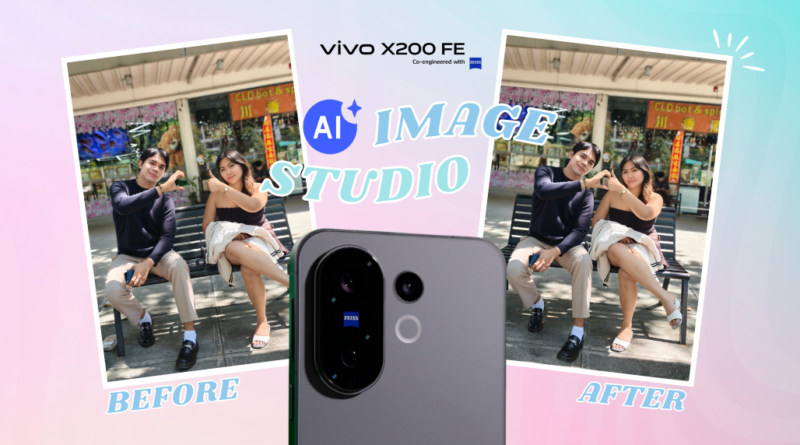
AI-Powered Photo Editing Made Easy with vivo X200 FE
AI-Powered Photo Editing Made Easy with vivo X200 FE
How vivo’s AI Image Studio Turns Imperfect Shots Into Scroll-Stopping Stories
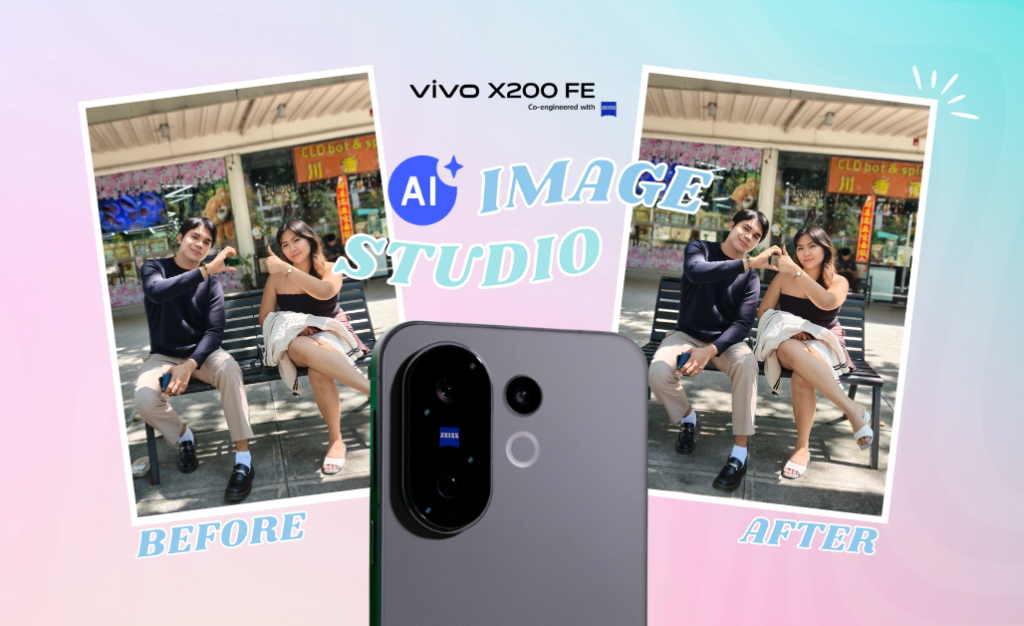
The Problem with “Almost Perfect” Photos
Let’s be honest. We’ve all taken that one photo that could’ve been great—if only the angle was better, the frame wider, or the glare less aggressive. You’re at a rooftop café. The skyline is stunning. Your outfit is on point. But somehow, your face is half-lit and there’s a weird reflection bouncing off the glass. AI-Powered Photo Editing Made Easy with vivo X200 FE
Normally, you’d open three different editing apps, spend 20 minutes tweaking, and still end up with a photo that screams “almost.”
vivo’s X200 FE says: forget all that.
With its built-in AI Image Studio, you get three powerful tools—AI Magic Move, AI Image Expander, and AI Reflection Erase—that fix your photo woes in seconds. No downloads. No drama. Just tap, drag, and done.
AI Magic Move: Because You Deserve Center Stage
Ever taken a group photo where you look great—but you’re awkwardly off to the side like an unpaid intern?
Or maybe your crush is in the shot, but they’re barely visible in the corner, photobombed by a random stranger holding a hotdog.
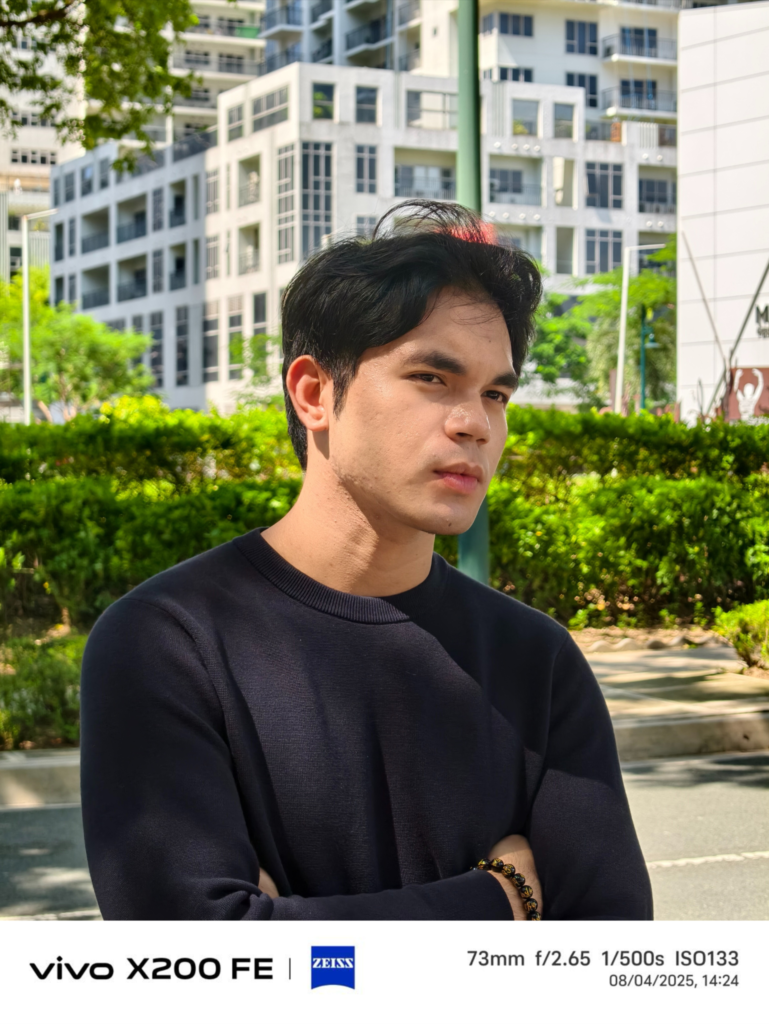
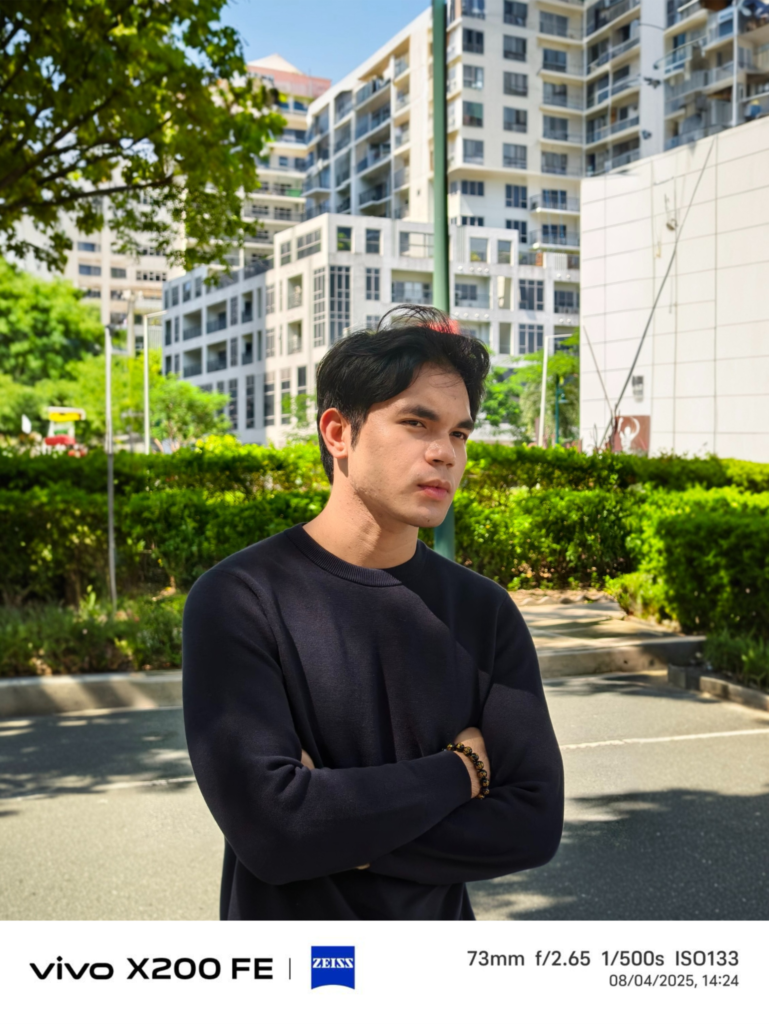
AI Magic Move lets you fix that.
Just long-press the subject, drag them to the perfect spot, resize if needed, and let the AI fill in the background like a pro. It’s like having Photoshop skills without actually having Photoshop skills.
Whether you want to be front and center or just make the composition more balanced, Magic Move gives you control over your narrative.
No more “I wish I stood closer.” Now you can.
AI Image Expander: Give Your Photos Room to Breathe
Some moments deserve more space.


That golden-hour selfie? It needs more sky.
That travel shot in Binondo? It needs more street.
That barkada pic? It needs elbow room.
AI Image Expander solves the “tight frame” problem with a simple drag. Pull the canvas outward and watch the AI intelligently extend your photo. It doesn’t just stretch pixels—it fills in the scene with uncanny accuracy.
The result? A photo that feels complete. Your sunset now includes the full horizon. Your cityscape captures the vibe, not just the buildings. Your group photo finally fits everyone without chopping off Tito Boy’s forehead.
It’s the kind of enhancement that makes your Instagram grid look curated—even if you took the shot in a rush.
AI Reflection Erase: Goodbye Glare, Hello Clarity
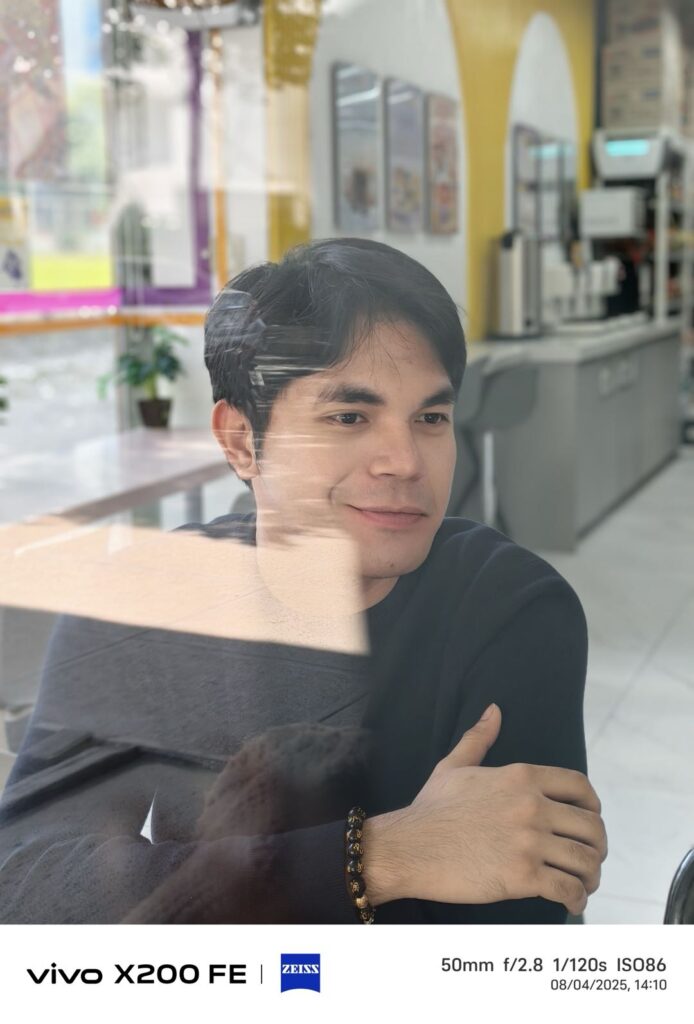
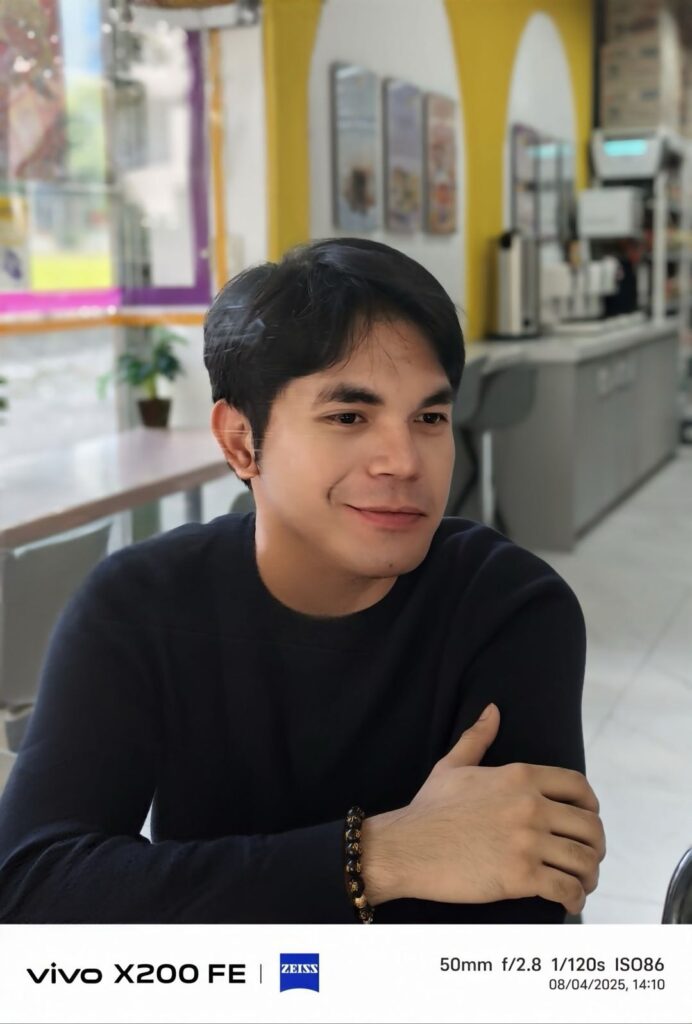
Glass is everywhere. So are reflections. From café tables to office windows, they sneak into your photos like uninvited guests.
AI Reflection Erase is your bouncer.
One tap, and those pesky reflections vanish.
Your selfie through a glass wall? Crystal clear.
Your coffee flatlay? Looks like it came from a lifestyle blog.
Your night shot of Makati? No more ghostly light streaks.
It’s the easiest way to make your photos look clean, professional, and ready for sharing. No need to squint or explain what’s happening in the background. Just clarity, every time.
Smart Tools, No Learning Curve
The best part? You don’t need to be a techie to use these features. The vivo X200 FE’s AI Image Studio is intuitive. You tap, drag, and let the AI do the heavy lifting. It’s designed for real people—students, professionals, content creators, and yes, even your tita who still types with one finger.
Whether you’re editing for fun or for your next campaign, the X200 FE makes it effortless.
The Price of Perfection
All these features come packed in a sleek device priced at ₱44,999. Available now on the official vivo e-store and authorized retailers nationwide. It’s not just a phone. It’s your creative partner.
Because great memories deserve great photos—and great photos shouldn’t require a degree in graphic design.
