
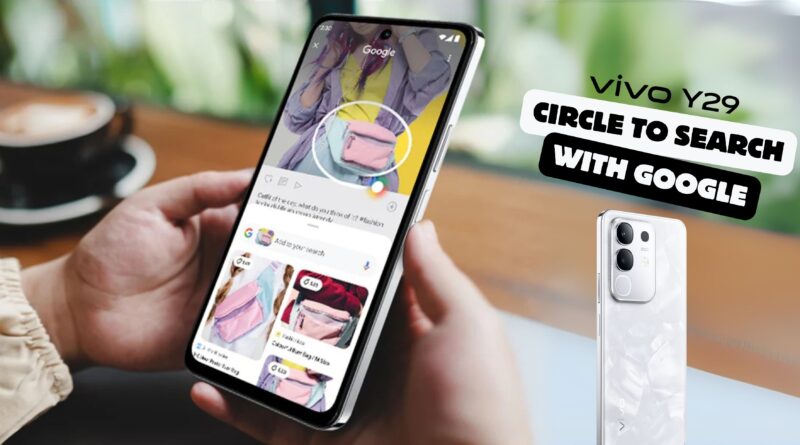
vivo Y29 revolutionizes searches with Circle to Search
vivo Y29 revolutionizes searches with Circle to Search
What Is Circle to Search?
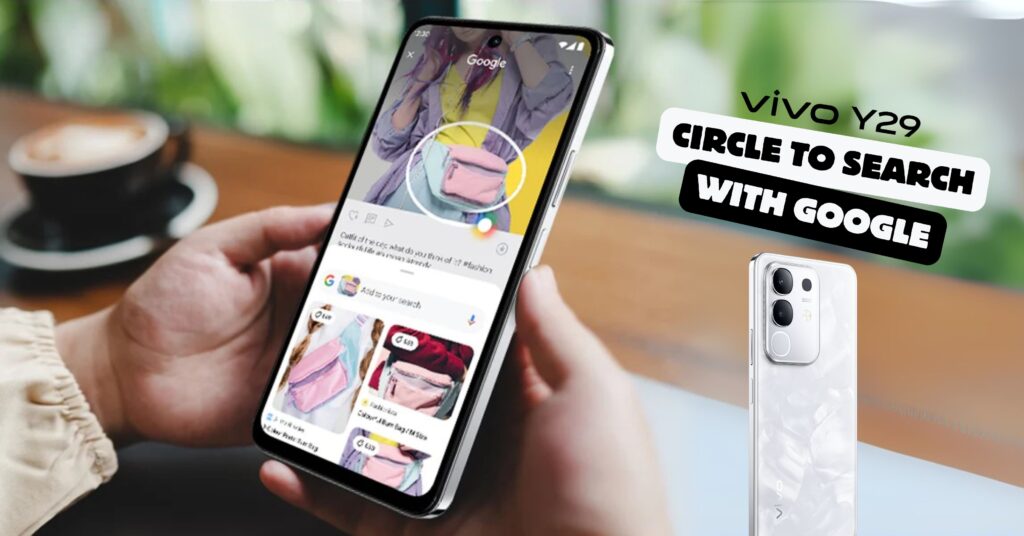
Ever scroll through your feed and spot something you just have to know? The usual drill is screenshot, switch apps, type keywords, pray for relevant results. The vivo Y29 cuts out all that hassle. Its headline feature, Circle to Search with Google, turns your screen into a live, interactive search canvas.
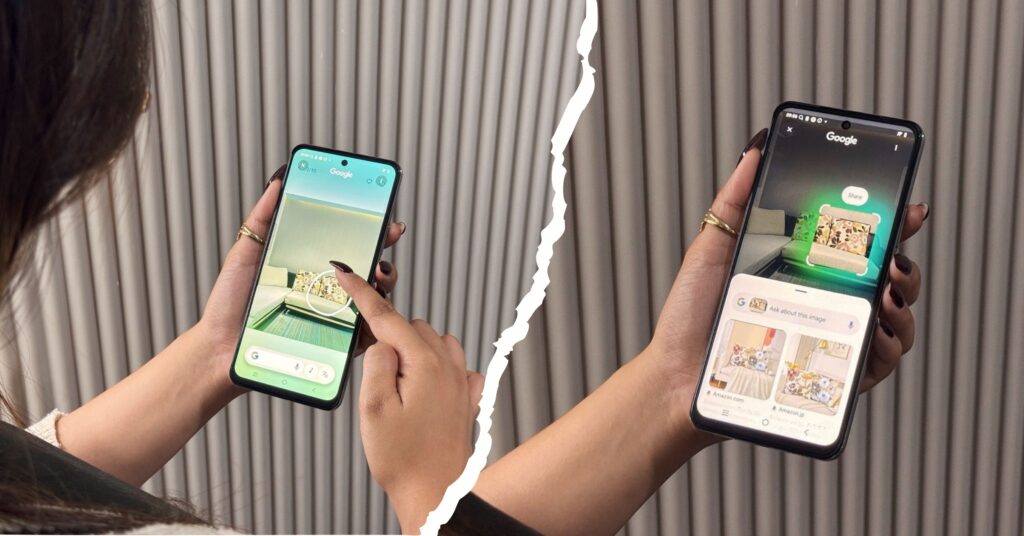
See it on screen.
Circle it with your finger.
Results pop up instantly.
No more app-switching. No more guesswork. You draw a quick loop around any image, text, or icon, and Google handles the rest. It’s intuitive. It’s fast. It’s search optimized for your smartphone life.
Circle to Search in Action
This feature isn’t just for tech buffs. It transforms daily habits.
• Students: Revising a PDF for exams? Circle that obscure scientific term. Get definitions, explanatory videos, even flashcards—without leaving your study doc.
• Shopaholics: Spot a pair of shoes you love on Instagram? Circle them. Instantly find similar styles and online sellers. Your shopping game just got a turbo boost.
• Travelers: Stumble on a breathtaking landscape in a TikTok clip? Circle the scenery. Google reveals the location, flight options, and local tips. Your bucket list grows, effortlessly.
Circle to Search adapts to any scenario. It’s like having a digital assistant on call, ready to illuminate the bits of the world you’re curious about—right there on your screen.
Meet Your New AI-Powered Assistant
vivo didn’t stop at just better search. The Y29 packs a suite of AI tools designed to streamline everyday tasks and boost creativity.
• AI Superlink – Keeps your connection stable, whether you’re in a video lecture or a multiplayer match. Lag becomes a thing of the past.
• AI Translate – Overlays real-time translations on foreign subtitles and texts. No more pausing to copy-paste or second-guessing your understanding.
• AI Erase – One tap removes unwanted objects or photobombers from your shots. Clean, professional-looking images—without a desktop editor.
• AI Enhance – Automatically sharpens and adjusts color on photos. Perfect for presentations or social media posts.
These aren’t gimmicks. They’re built for genuine utility. With smart connectivity, seamless translation, and automated camera fixes, the Y29 helps you focus on what matters—your message, your creativity, your life.
Designed for Everyday Comfort
All that power sits inside a phone you actually want to hold. At 8.09 mm thin and with a quad-curved back, the vivo Y29 fits naturally in your palm. It feels light but robust.
Long study session? No sweat.
Extended travel? Slip it into your pack without extra bulk.
Choose from Espresso Brown or Marble White finishes. Each hue complements your personal style and resists fingerprints. This is a phone that blends into your routine—then stands out when you need it most.
A Display That Invites Interaction
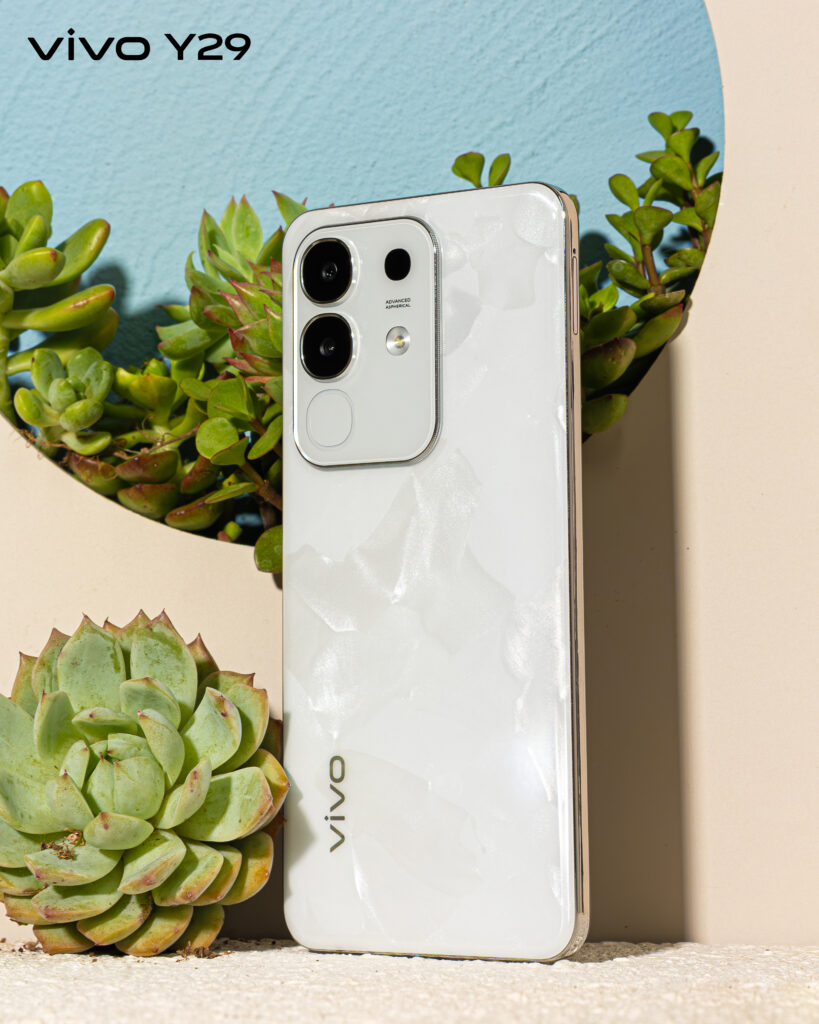
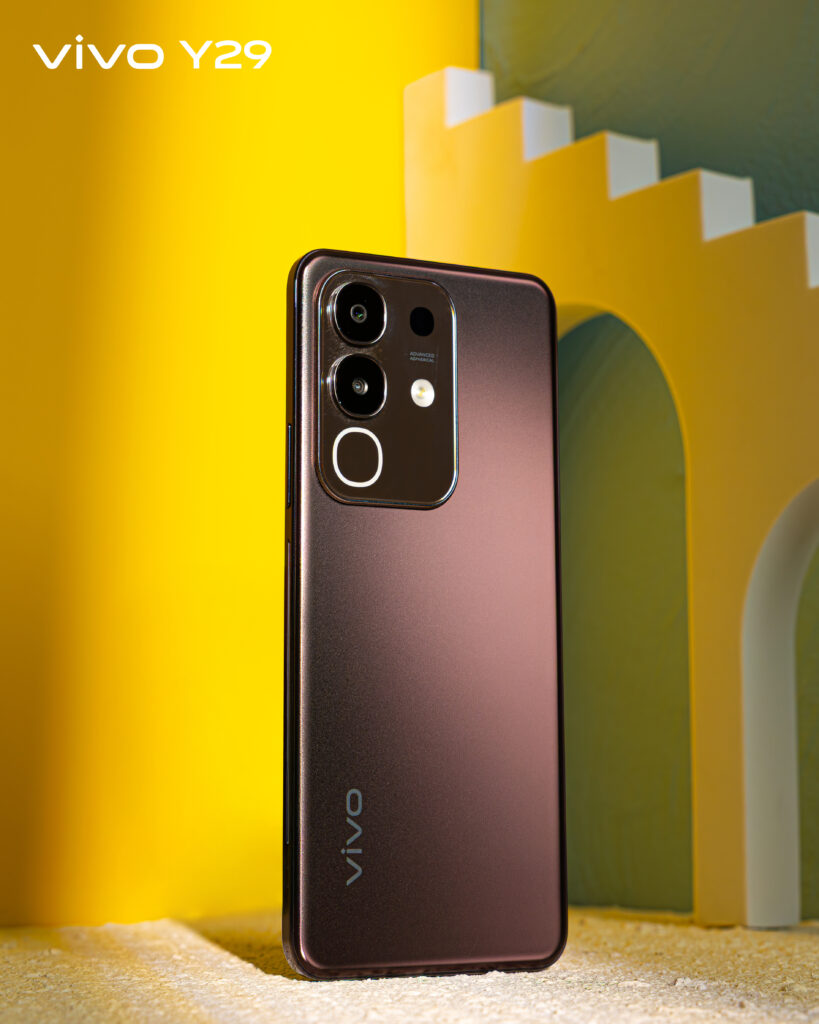
Circle to Search thrives on a screen built for touch. The Y29 features a 6.72-inch FHD+ display with a 90 Hz refresh rate. Scrolling feels tactile. Animations are fluid. Text and images pop with crisp clarity.
That smooth performance makes drawing precise circles easier. No more misfires or misrecognitions. And after you’ve boxed your subject, the high-res display ensures you can view search results, definitions, and images in rich detail—no squinting required.
Power to Keep You Going
All these features need juice. The vivo Y29 answers with a 5,000 mAh battery. That’s enough for an entire day of web browsing, gaming, and AI features.
Running low? The 18 W fast charge brings you back to 50 percent in about 30 minutes. It’s the kind of reliability you expect from a smartphone that’s also a digital Swiss Army knife.
The Real Story: Value for Money
Circle to Search grabs headlines. But the bigger narrative is what you get for Php 8,999. The vivo Y29 delivers next-gen AI tools, a premium design, and solid performance at an everyday price.
Compare that to other — often pricier—devices. Few in this segment blend hardware and software so seamlessly. And certainly none offer a search experience as integrated as Circle to Search.
How to Get Started
Unlocking Circle to Search is straightforward:
- Update your Google app to the latest version.
- Enable “Circle to Search” in Settings > Smart Features > Circle to Search.
- Draw a circle on your screen whenever curiosity strikes.
Instant answers. In-app convenience. Zero friction.
Smartphones should free us from tedious tasks, not lock us into them. The vivo Y29 achieves that with Circle to Search by making information retrieval organic. No more copying text. No more context switching. You interact with what’s on-screen—then get the answers right away.
Pair that with AI-driven tools and a design that feels tailor-made for long hours of use. Then factor in a price that’s hard to match. What you have is a phone that turns everyday frustrations into opportunities for discovery.
That’s a story worth circling back to.
Grab yours today at vivo concept stores and kiosks nationwide, or shop online via the vivo e-store. Learn more about vivo Y29 by visiting the vivo website.
