

Infinix XPAD 20 Pro: Smart Tools for Modern Living
Infinix XPAD 20 Pro: Smart Tools for Modern Living
Work Anywhere, Study Everywhere, Play Anytime
The Infinix XPAD 20 Pro is designed for the way we live today. Our office can be a café, our classroom a park bench, and our downtime often starts with a playlist. This tablet embraces that lifestyle. Bundled with the XPAD Pro Keyboard and X Pencil 20 Pro, it’s ready for productivity, creativity, and entertainment right out of the box. Infinix XPAD 20 Pro: Smart Tools for Modern Living
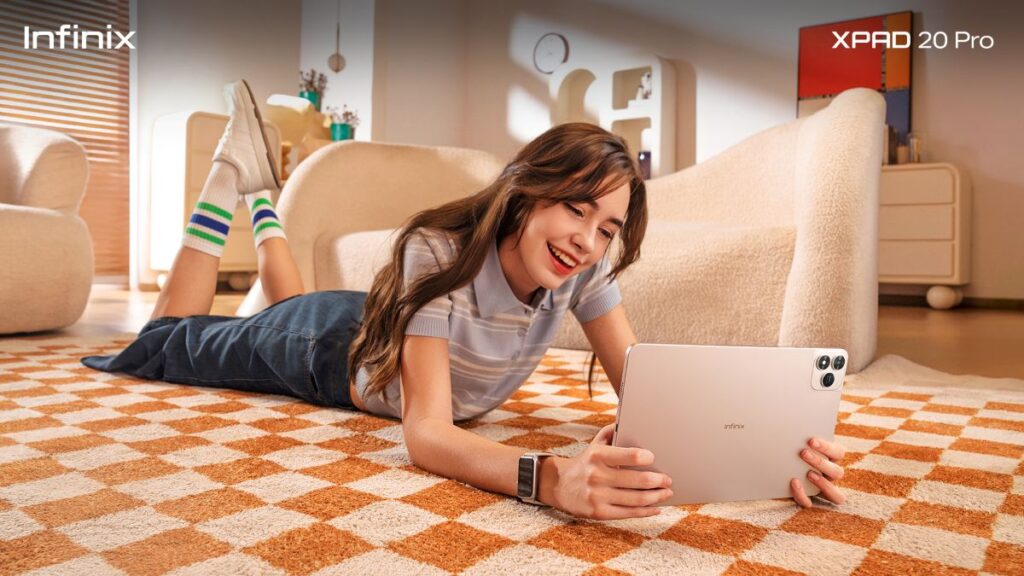
The 12-inch 90Hz high-definition display makes everything—from spreadsheets to TikTok videos—look sharp and fluid. TÜV Rheinland-certified eye protection ensures long study nights or binge sessions don’t leave you with strained eyes. And the slim, all-metal unibody design feels light yet premium, available in Titanium Gray or Mist Blue to match your personal style.
For readers, this means you’re not just buying a tablet—you’re buying a device that adapts to your lifestyle, whether you’re hustling, studying, or relaxing.
Power That Keeps Up With You
The XPAD 20 Pro runs on the MediaTek G100 Ultimate processor with 4G connectivity, built for smooth multitasking. No more freezing during video calls or lagging when multiple apps are open.
Features like Split Screen and floating windows make multitasking seamless. You can stream lectures while taking notes, reply to messages while finalizing reports, or plan trips with maps and hotel deals side by side. It’s like having multiple screens in one. Infinix XPAD 20 Pro: Smart Tools for Modern Living
And when creativity strikes at odd hours, the AI Image Generator transforms ideas into visuals instantly. Whether it’s a poster mock-up, an IG story, or a random doodle, the tablet becomes your digital art studio.
Other AI tools—AI Writing, AI Art, and Photo Problem-Solving—make tasks faster and smarter. The Infinix Learning Center adds value for families, turning screen time into interactive lessons for kids and teens.
I’ve seen plenty of tablets promise multitasking but fall short. The XPAD 20 Pro actually delivers. For readers, this means less frustration and more productivity.

Smarter Connections for a Global Lifestyle
The XPAD 20 Pro isn’t just about apps—it’s about smarter connections. Its real-time translation feature translates text, speech, and live conversations instantly. No more fumbling with translation apps mid-meeting.
The Phone Cast feature mirrors your smartphone on the tablet, letting you scroll, message, and multitask with ease. With Cross-Device Clipboard & App Switching, you can copy text or images from your phone and paste them directly onto the tablet.
And when your hands are busy, the Folax Voice Assistant steps in. It opens apps, answers questions, and reminds you of deadlines you’d rather forget.
For readers, this means smoother workflows, smarter communication, and fewer awkward moments in virtual meetings.

Create and Type Like a Professional
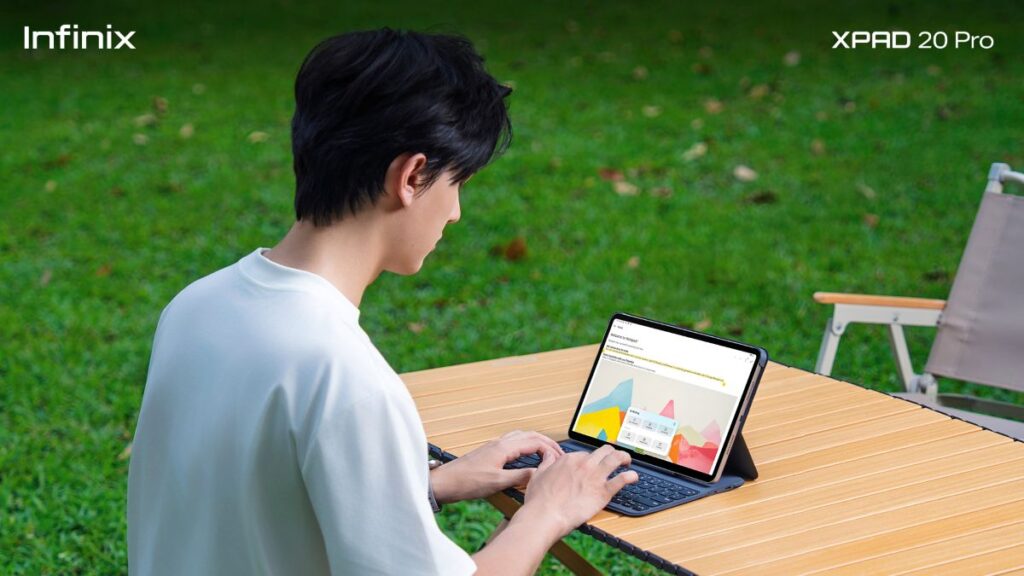
Pairing the XPAD 20 Pro with the XPAD Pro Keyboard and X Pencil 20 Pro transforms it into a workstation.
The keyboard’s tactile precision and magnetic snap-on design make typing reports or presentations effortless. Meanwhile, the pencil offers ultra-low latency and pressure sensitivity, making it feel as natural as pen on paper. Sketching, annotating, or jotting notes becomes intuitive.
Together, they elevate the tablet from an entertainment device to a productivity powerhouse.
I’ve always believed that accessories make or break a tablet. The XPAD 20 Pro nails it by bundling both keyboard and pencil. For readers, this means you don’t need to spend extra to unlock full functionality.
AI Tools That Actually Matter
AI is everywhere, but not all implementations are useful. The XPAD 20 Pro integrates AI in ways that genuinely enhance daily life.
- AI Image Generator: Turn ideas into visuals instantly.
- AI Writing: Draft notes, reports, or creative pieces faster.
- AI Art: Explore creative designs without needing advanced skills.
- Photo Problem-Solving: Simplify tasks like math problems or visual explanations.
These tools aren’t gimmicks—they’re practical. They save time, spark creativity, and make the tablet feel smarter.
For readers, this means you’re not just buying hardware—you’re buying a device that actively helps you work, learn, and create.
My Take: Why the XPAD 20 Pro Works
I’ve reviewed enough tablets to know that many try to be everything but end up being average at most things. The Infinix XPAD 20 Pro feels different. It’s balanced. It’s stylish enough to be part of your OOTD, powerful enough to handle multitasking, and smart enough to integrate AI tools that actually matter.
What I like most is the practicality. Bundling the keyboard and pencil makes it a complete package. The AI features aren’t just buzzwords—they’re useful. And the price point makes it accessible without feeling cheap.
For readers, the benefit is clear: you’re getting a tablet that adapts to your lifestyle, whether you’re grinding through work, studying for exams, or unwinding with Netflix. And yes, it also means you can finally stop pretending your old tablet is “still fine.”
Availability and Pricing
The Infinix XPAD 20 Pro comes bundled with the keyboard and pencil, making it ready for work, study, and play.
- 8+256GB variant: ₱12,999 (promo price ₱11,999)
- 4+128GB variant: ₱10,999 (promo price ₱9,999)
For readers, this means you’re getting a complete productivity and creativity package at a price that’s hard to beat.
Powered like a PC — built for more fun and efficiency! Get the all-new XPAD 20 Pro starting at P9,999 with P5,000 worth of freebies, only on 11.11, exclusively on Shopee, Lazada, and TikTok Shop!
