
HUAWEI MatePad 11.5: Creativity Meets PC‑Level Power
HUAWEI MatePad 11.5: Creativity Meets PC‑Level Power for Young Artists
A Partnership That Puts Creativity at the Center
When HUAWEI announced its collaboration with the De La Salle – College of Saint Benilde (DLS‑CSB) Multimedia Arts Program, it wasn’t just another brand‑school tie‑up. It was a statement: technology can be more than a tool; it can be a creative partner. HUAWEI MatePad 11.5: Creativity Meets PC‑Level Power for Young Artists
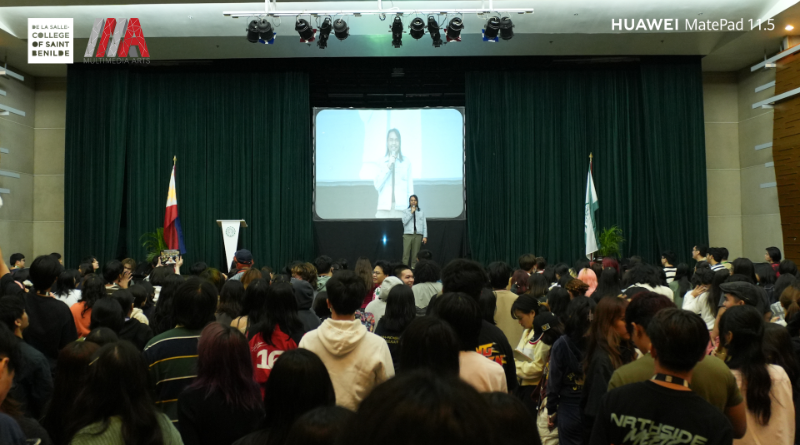
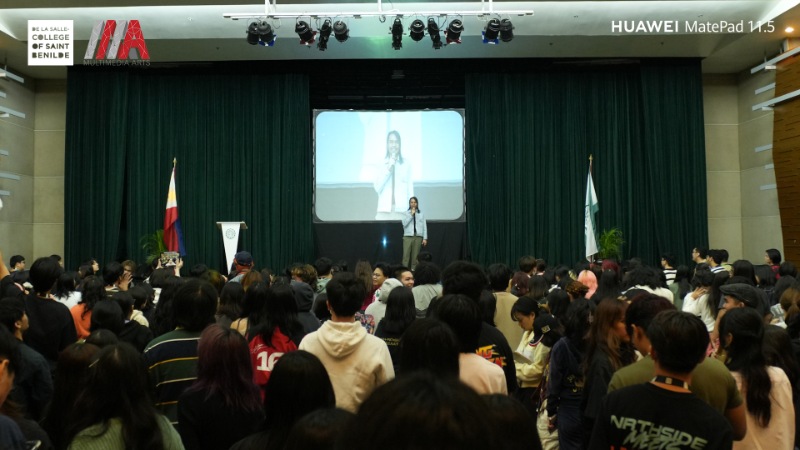
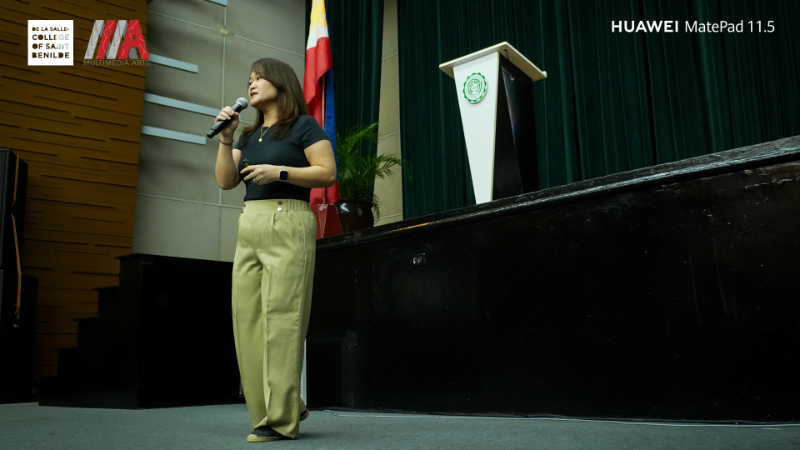
The annual Art in Motion: The Moving Deadlines event became the perfect stage to showcase how the HUAWEI MatePad 11.5 (2025) can empower young creatives. Students in the Multimedia Arts Program explored digital illustration, motion graphics, and storytelling using the tablet, blending art and technology in ways that felt natural, not forced.
I’ve always believed that the best tech doesn’t just keep up with you—it pushes you further. That’s exactly what this partnership highlights.
Design That Travels With You
The MatePad 11.5 (2025) is built for mobility. At just 6.1mm thin and 515g light, it’s slim enough to slip into a backpack yet sturdy enough to handle daily use. The all‑metal unibody design gives it a premium feel, while its portability makes it ideal for students moving between lecture halls, studios, and coffee shops.
For readers, this means you don’t need to lug around a heavy laptop just to get serious work done. The MatePad is light, stylish, and ready to go wherever inspiration strikes.
PaperMatte Display: Digital That Feels Analog
One of the standout features is the PaperMatte Display. It’s not just a marketing term—it genuinely replicates the feel of paper. The nano‑etched anti‑glare texture reduces reflections, protects the eyes, and maintains color accuracy. HUAWEI MatePad 11.5: Creativity Meets PC‑Level Power for Young Artists
For students who spend hours sketching or editing, this is a game‑changer. It’s easier on the eyes, and it feels closer to drawing on real textured paper.
I’ve tested plenty of tablets that claim to mimic paper, but most fall short. The MatePad’s PaperMatte display is one of the few that actually delivers on that promise.
WPS Office 2.0 and HUAWEI Notes: PC‑Like Productivity
Creativity is only half the story. Students also need productivity tools that can keep up with deadlines and group projects. That’s where WPS Office 2.0 and HUAWEI Notes come in.
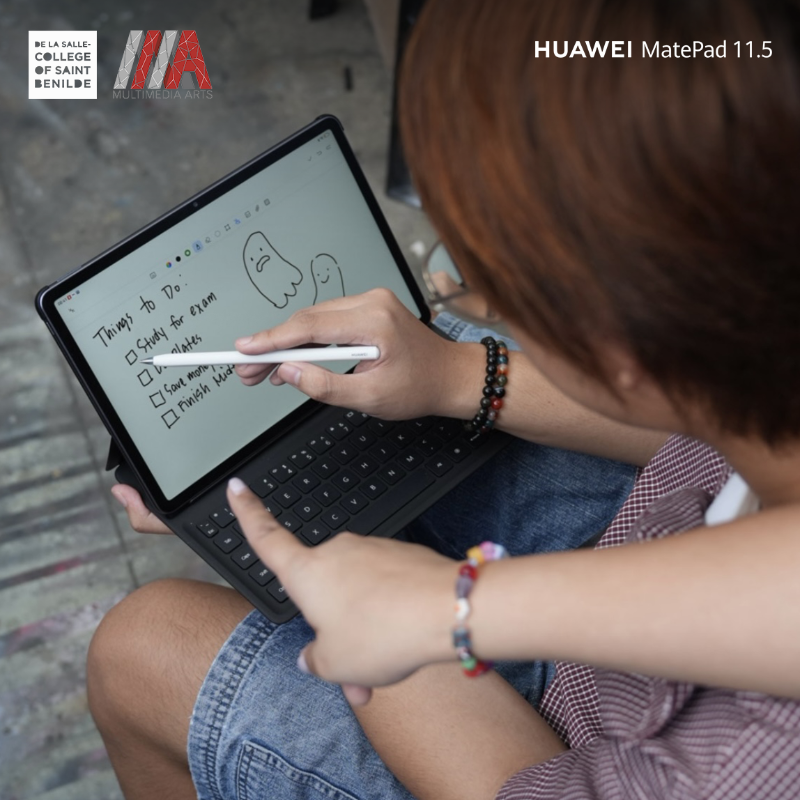
- WPS Office 2.0: Offers desktop‑class tools for writing, spreadsheets, and presentations. Multi‑window editing and cloud sync make it feel like a laptop replacement.
- HUAWEI Notes: Turns the tablet into a dynamic notebook. Annotate PDFs, record voice notes, convert handwriting to text, and organize coursework with ease.
For readers, this means you can switch from sketching a storyboard to editing a presentation without missing a beat. It’s the kind of flexibility that makes the MatePad more than just a drawing tool—it’s a full productivity hub.
GoPaint: Creativity Without Limits
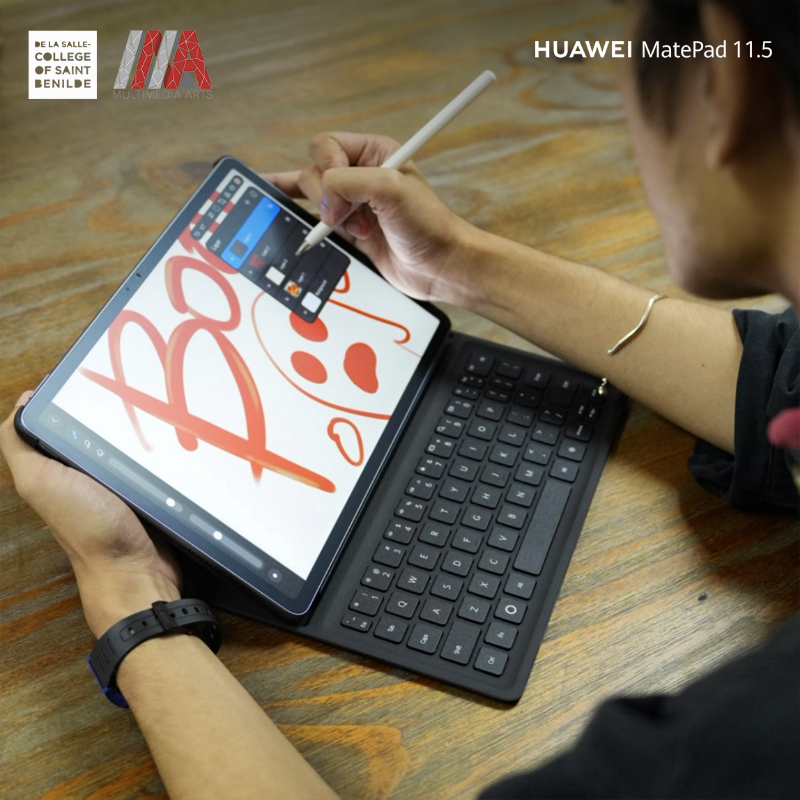
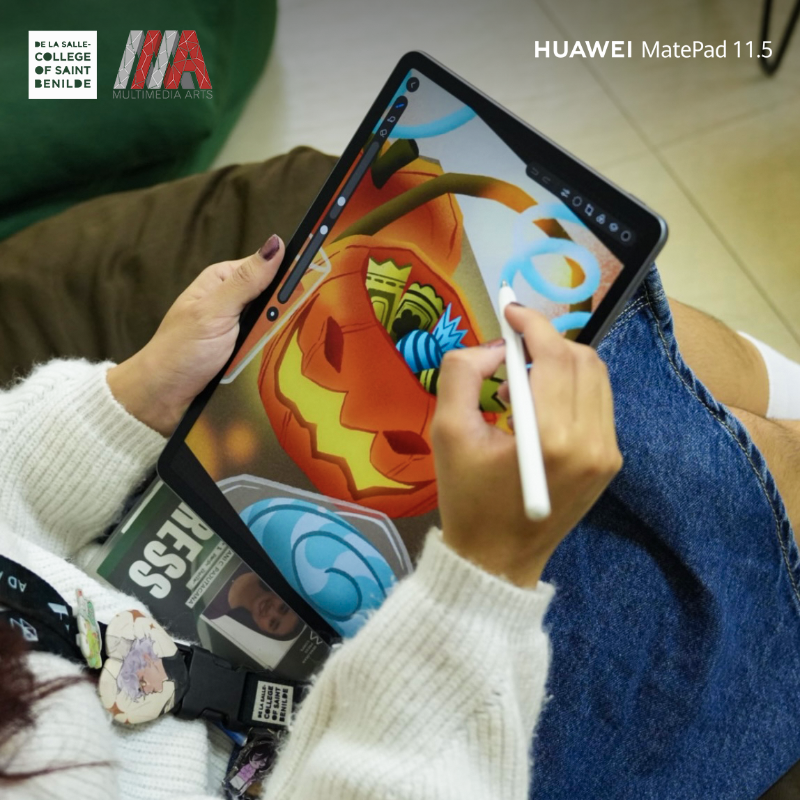
The GoPaint app is where the MatePad 11.5 (2025) really shines for artists. Pre‑installed and free, it offers over 100 customizable brushes, advanced layer management, and professional‑grade color tools.
- Mimic traditional media like watercolor, oil, and digital pens.
- Experiment with non‑destructive edits using robust layer systems.
- Use intuitive tools like the lasso for quick rearrangements.
For readers, this means you don’t need to spend extra on premium apps just to get professional‑level features. GoPaint bridges the gap between analog sketching and digital artistry, making the transition seamless.
And yes, it’s also fun to play with. Even if you’re not an artist, you’ll find yourself doodling just because it feels that good.
Built for Long Days and Creative Freedom
The 10,100 mAh battery is another highlight. It powers through full days of lectures, critiques, and editing sessions without breaking a sweat. When it does need a recharge, 40W HUAWEI SuperCharge gets it back to full power quickly. HUAWEI MatePad 11.5: Creativity Meets PC‑Level Power for Young Artists
The M‑Pencil (3rd Gen) adds to the experience with magnetic wireless charging, so it’s always ready when inspiration strikes.
For readers, this means fewer interruptions and more time creating. Whether you’re sketching, editing, or presenting, the MatePad keeps up.
My Take: Why This Tablet Matters
I’ve reviewed countless tablets, and most of them fall into one of two categories: great for productivity but weak on creativity, or great for creativity but lacking in everyday practicality. The HUAWEI MatePad 11.5 (2025) manages to balance both.
It’s not just about specs—it’s about how those specs translate into real benefits. The PaperMatte display reduces eye strain. GoPaint gives you professional tools without extra cost. WPS Office 2.0 and HUAWEI Notes make it a true laptop alternative. And the battery ensures you can rely on it all day.
For readers, the benefit is clear: this is a device that adapts to your needs, whether you’re a student, a creative professional, or someone who just wants a versatile tablet.
And let’s be honest—if a device can handle both your group project and your late‑night doodle session, that’s worth celebrating.
Availability and Value
The HUAWEI MatePad 11.5 (2025) is priced at ₱21,999 and comes with an exclusive freebie bundle worth ₱11,998. The bundle includes:
- HUAWEI Smart Keyboard (₱6,999 value)
- PC‑Level WPS Office Suite (₱4,999 value)
It’s available on Shopee, Lazada, TikTok, the HUAWEI Online Store, and HUAWEI Experience Stores nationwide.
For readers, this means you’re not just buying a tablet—you’re getting a complete creative and productivity package right out of the box.
The Bigger Picture: Tech That Empowers Education
The partnership between HUAWEI and DLS‑CSB is more than a marketing move. It’s a demonstration of how the right technology can empower education and creativity. By giving students tools that blend PC‑like performance with artistic freedom, HUAWEI is helping shape the next generation of digital storytellers.
For readers, this means the devices you choose matter. They’re not just gadgets—they’re enablers of creativity, productivity, and growth. And in a world where deadlines move faster than ever, having the right tool can make all the difference.
Visit your nearest HUAWEI Experience Store, or check out HUAWEI’s official website and social media pages for more details (Facebook | Instagram).
